
Features
Built around your privacy, wallet, and workflow
Tarsk keeps your data on your machine and lets you choose any model from an AI provider.
Private & Secure
Private and secure by design
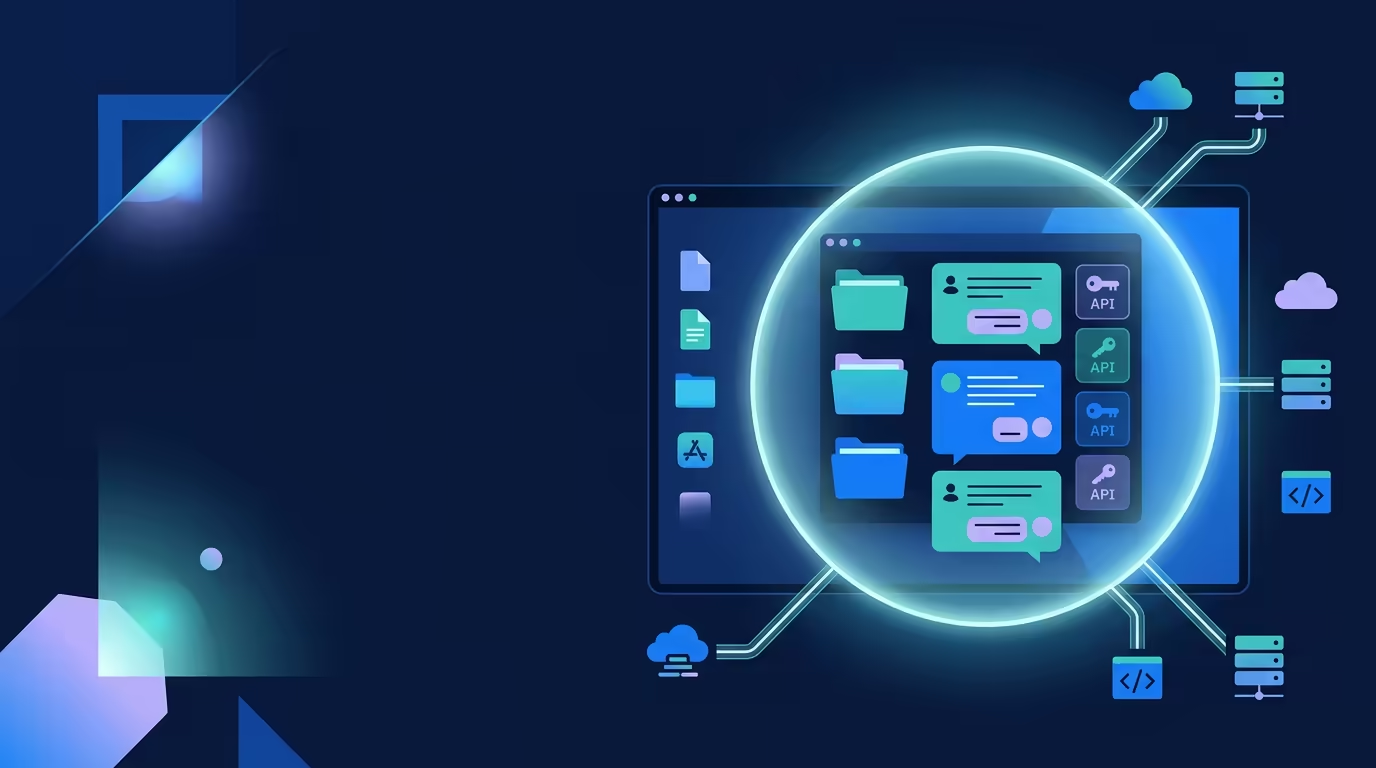
Your code, keys, and history stay on your machine. Every command the agent runs is contained by the operating system itself.
macOS Seatbelt Sandbox
Every bash command and skill script runs inside a kernel-enforced sandbox that denies everything by default and whitelists only what it needs.
- On by default, not an opt-in toggle
- Blocks access to ~/.ssh and git credentials
- Smoke-tested on startup to verify the kernel blocks out-of-scope reads
Local-First Privacy
Tarsk runs on your Mac with its own bundled runtime. Your projects, threads, and history live in a local database, not on someone else’s cloud.
- No tracking, no ads, no data retention
- API keys stay local and machine-bound encrypted
- Conversation history is exportable and never uploaded
Git Checkpoints & Restore
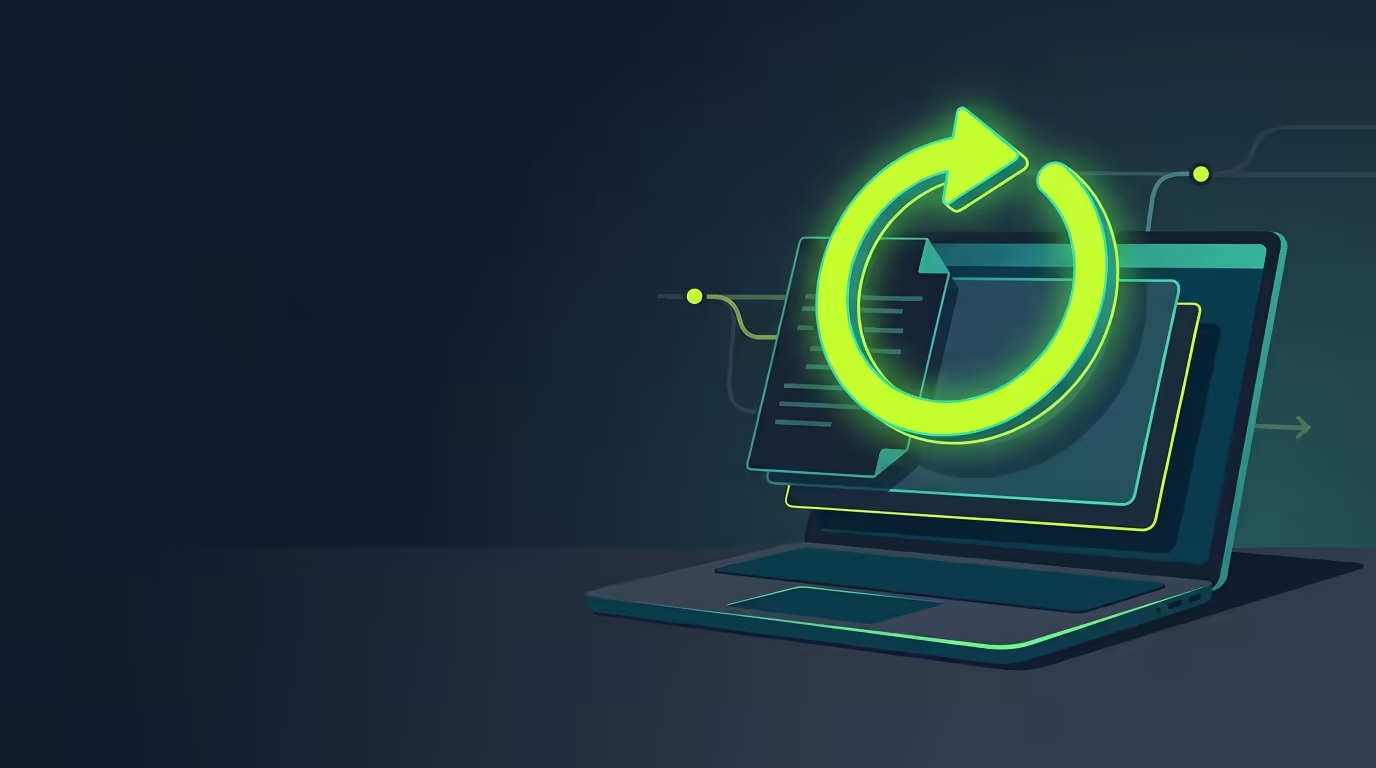
Snapshot the working tree at any point and restore it later: an undo button for aggressive agent edits, tied to the exact message in your conversation.
- One-click snapshot of tracked and untracked files
- Restore drops everything back to that checkpoint
- A safety net for letting the agent work boldly
Cost & Models
Spends your money wisely
Tarsk picks the right model for each task and keeps token usage low, so you are not paying premium rates for simple work.

Orchestrate Mode
A strong model explores and plans read-only, then cheap-model subagents do the implementation. Splitting planning from execution cuts cost.
- 40-60% lower token spend on multi-file features
- The planner never writes code; builders get the full tool set
- Per-subagent context scoping
Auto Mode Routing
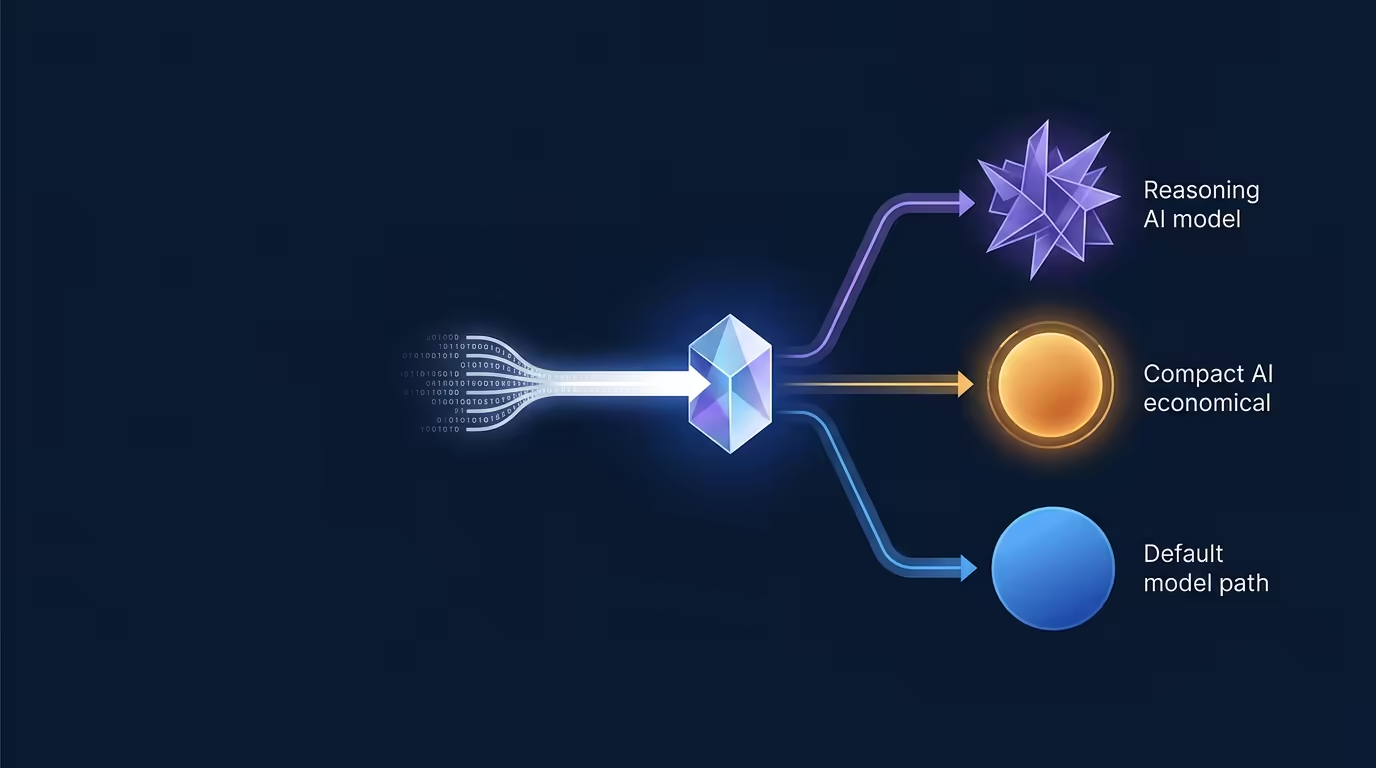
A lightweight routing call classifies your first prompt as cheap, smart, or default and runs it on the matching model, so cost-tier selection is automatic.
- Simple prompts run on cheaper models
- No manual model picking to start a thread
- Pairs with per-project model aliases
Automatic Token Minimization
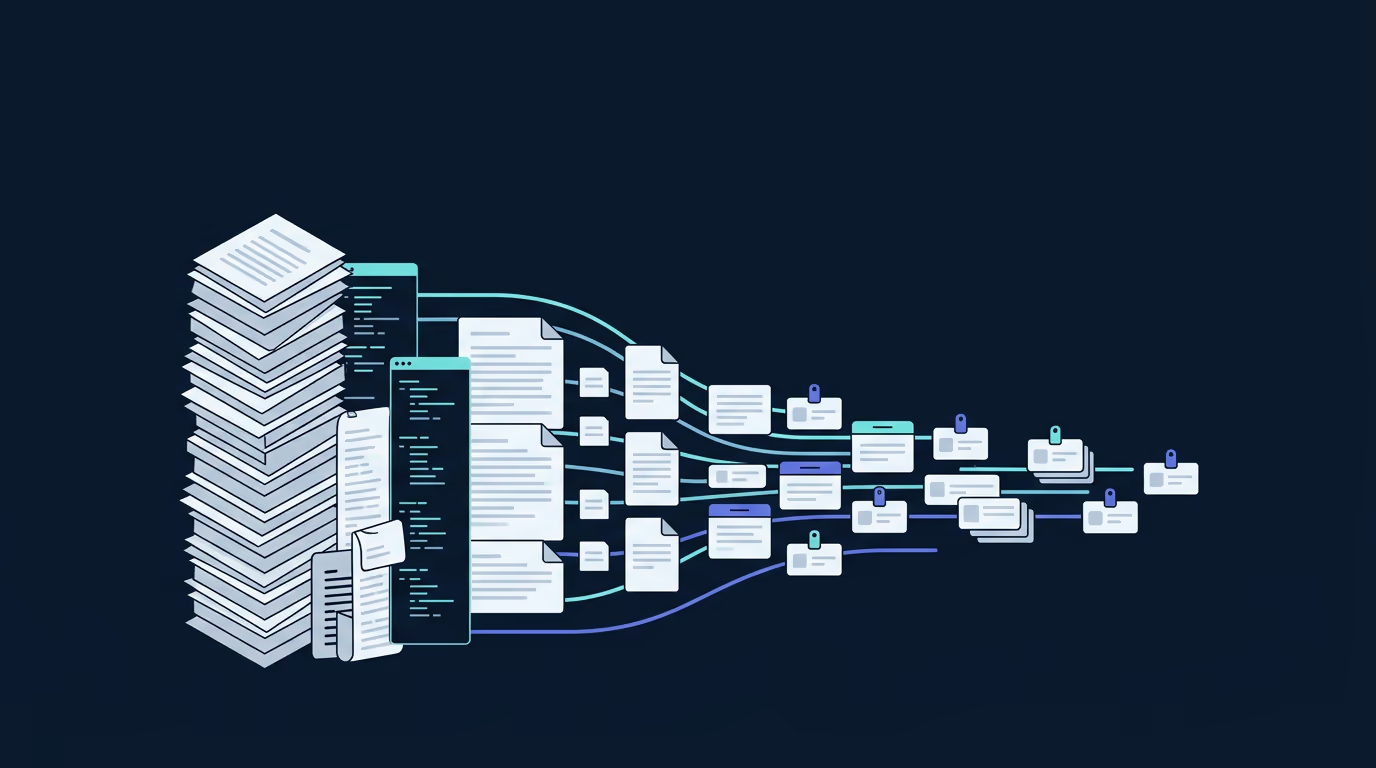
Large tool outputs are externalized and fetched on demand, older results are digested mid-turn, and output is compressed losslessly before you pay for it.
- Observations with paginated previews and retrieval
- Microcompaction keeps the newest results verbatim
- Lossless compression of find, grep, and directory output
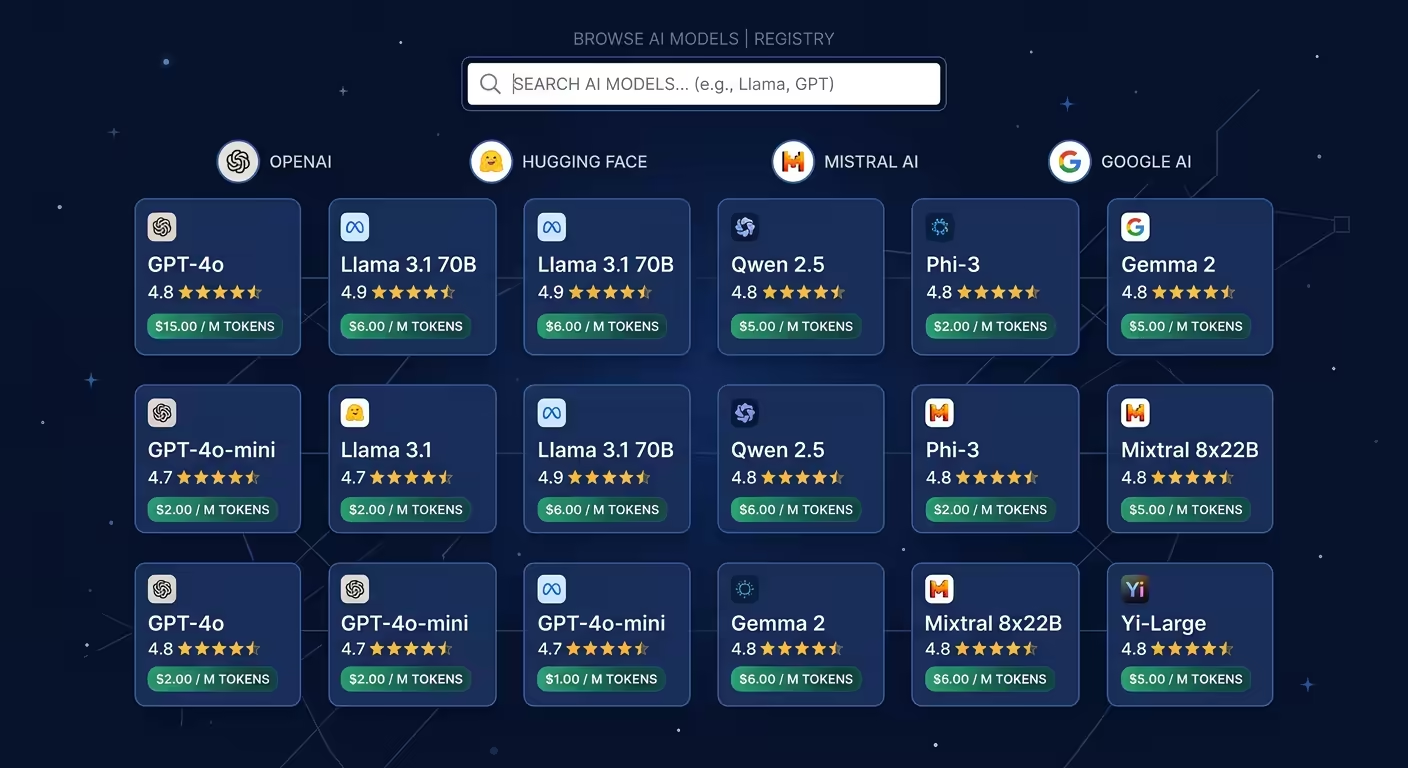
160+ Providers, Open Weights Too
Bring your own keys to 160+ providers, including Anthropic, OpenAI, Google, xAI, DeepSeek, Groq, and Cerebras, plus local models via Ollama and LM Studio.
- Mix providers per thread, switch any time
- Access frontier open-weight models like Kimi K3 and GLM-5.2
- Filter by price and pay the provider directly
Autonomy
Works autonomously
Give Tarsk a goal and let it run: on a loop, on a schedule, or driven from the tools your team already uses.
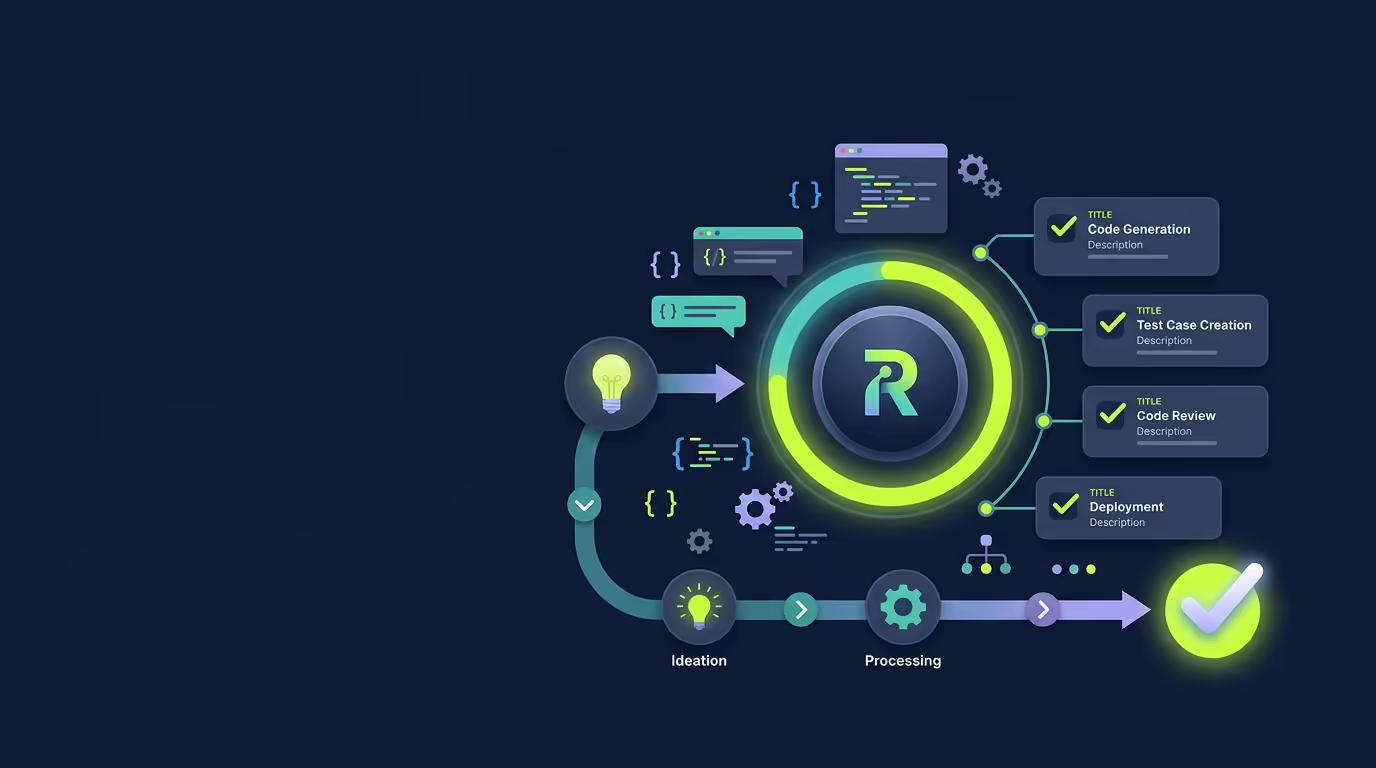
Ralph Mode
The agent builds a todo list from your request, works through every item, and stops when the list is done. A progress ring shows completion at a glance.
- Autonomous iteration until the task is complete
- Cross-iteration memory via a progress file
- Walk away while it works
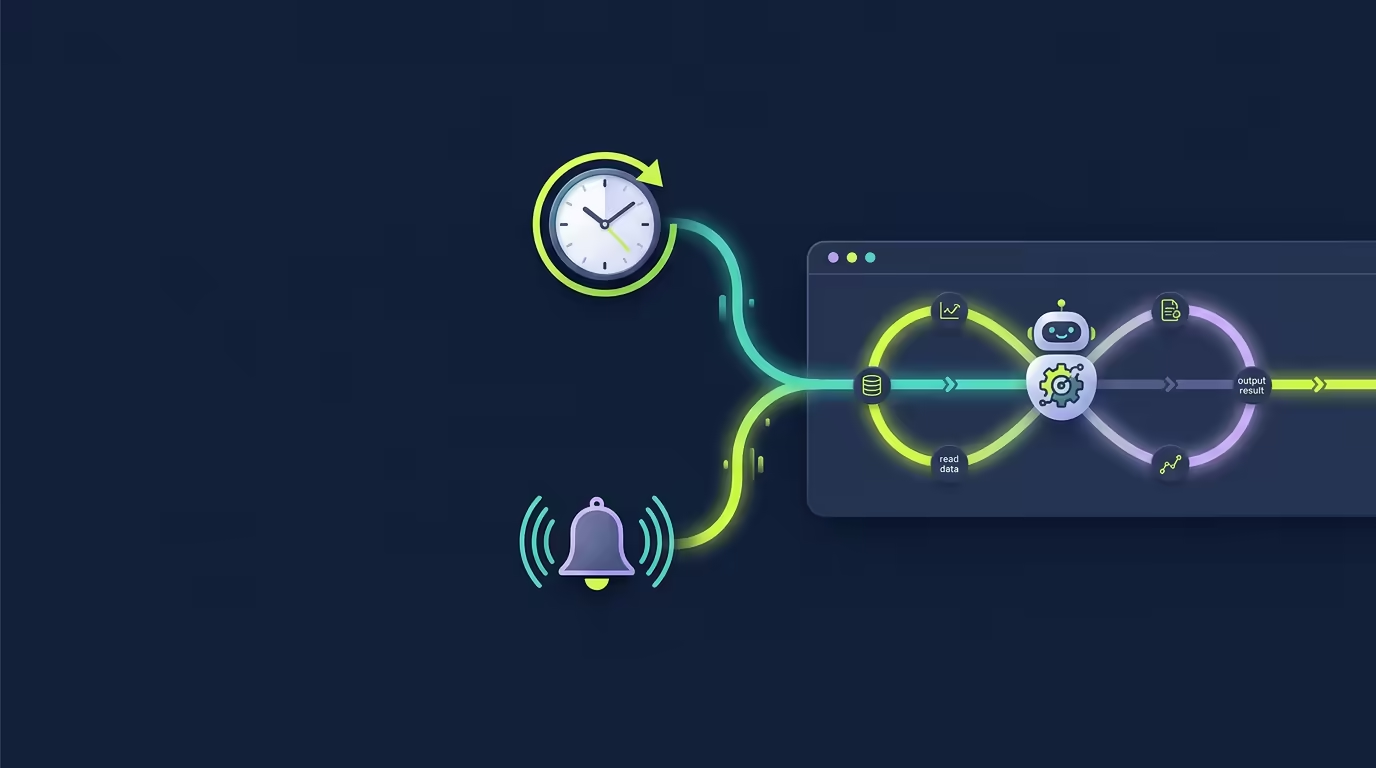
Scheduled & Event-Triggered Tasks
Tasks can run on a schedule or fire from an authenticated webhook. When a deploy finishes or a door opens, Tarsk spins up a fresh thread and does the work.
- One-shot, recurring, and webhook event triggers
- Each run gets its own isolated thread
- Event payloads become context for the agent
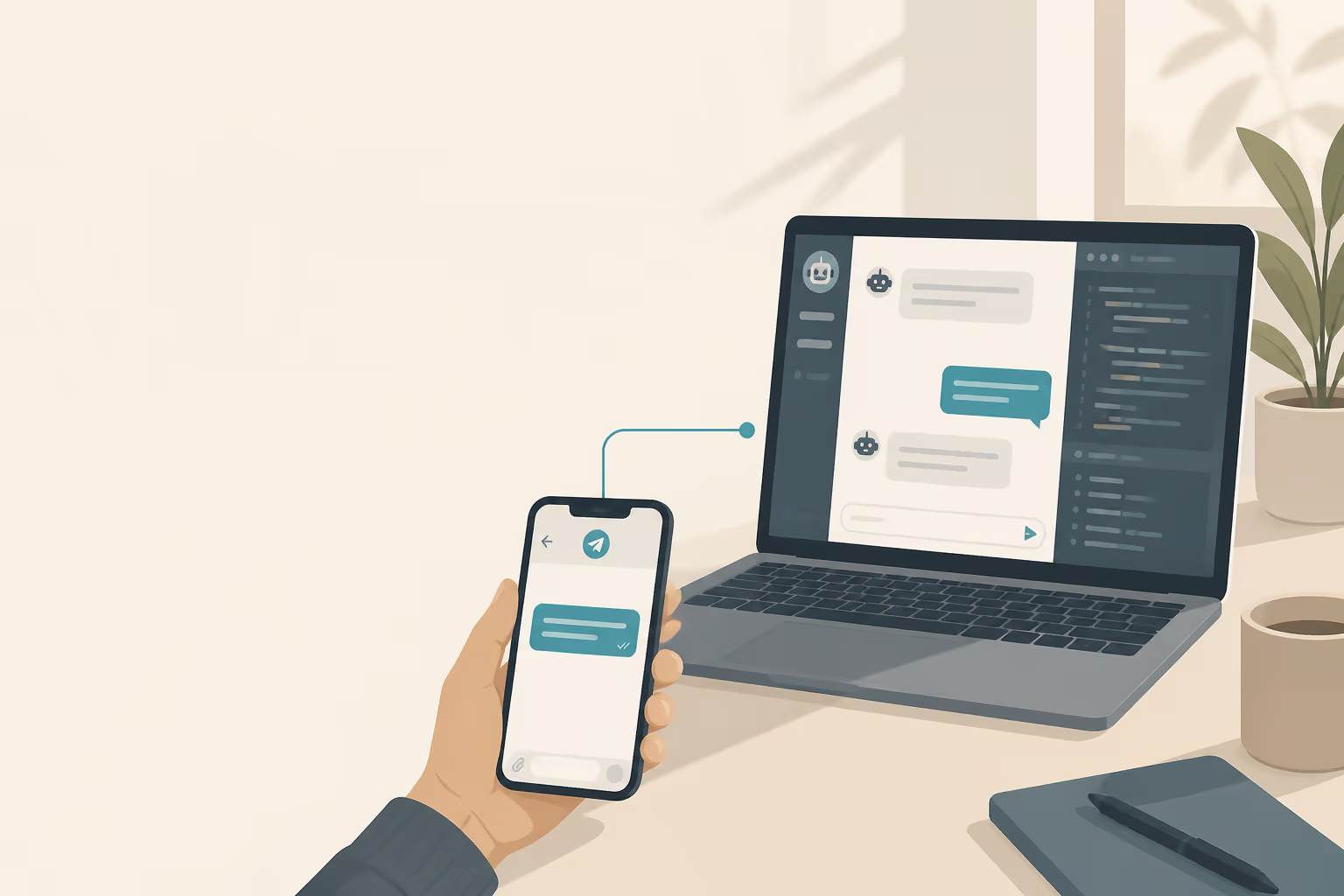
Slack Control Channel
Bind a Slack channel to a project and drive the agent from your phone. Start work, switch models, manage tasks, and create branches, all over Slack.
- Final replies post back to the Slack thread
- Full tool output and diffs stay in the Tarsk UI
- Uses Socket Mode, so no public URL is needed
Skills, Agents & Integrations
Extensible: skills, agents & integrations
Teach Tarsk your workflow with portable skills, delegate to specialized subagents, and connect the services you already use.
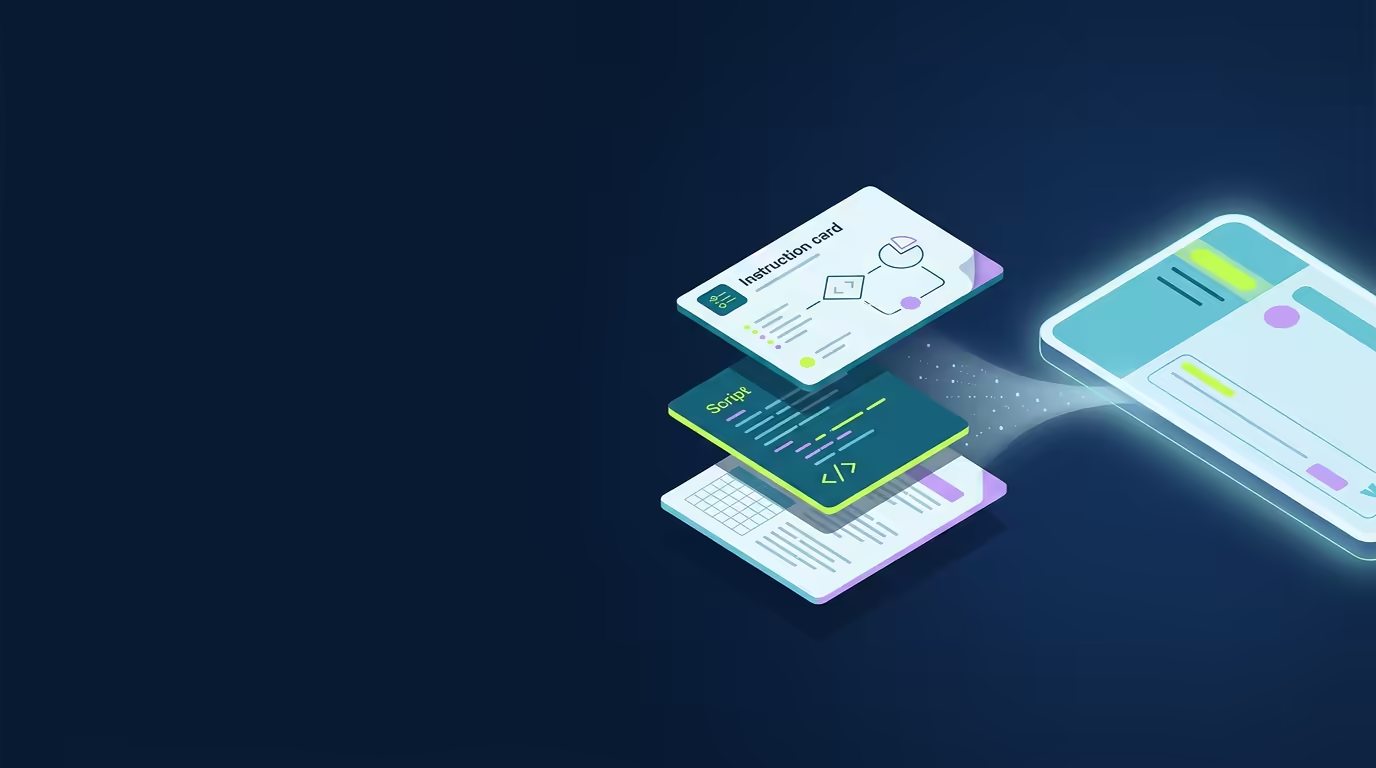
Skills
A skill is a small instruction file that loads only when relevant, can run executable scripts as tools, and interpolates live data like model pricing into its prompt.
- Three-tier loading keeps context lean
- Scripts become agent-callable tools
- Authors declare which shell commands are allowed
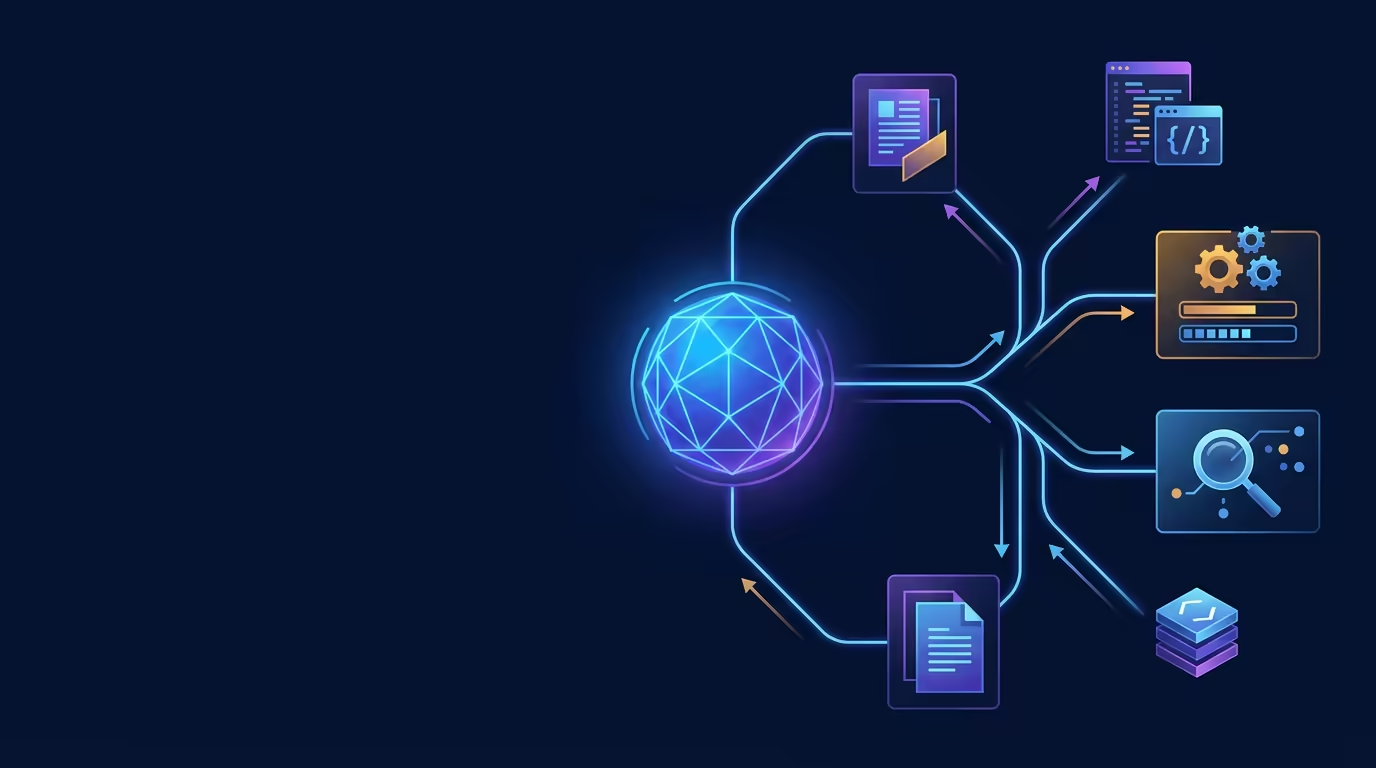
Subagents
Spawn isolated agents for focused subtasks, each with its own restricted tool set, pinned model, and the ability to chain to other agents.
- Read-only or command-only agent roles
- Per-agent model and provider selection
- Multi-agent handoffs up to two levels deep
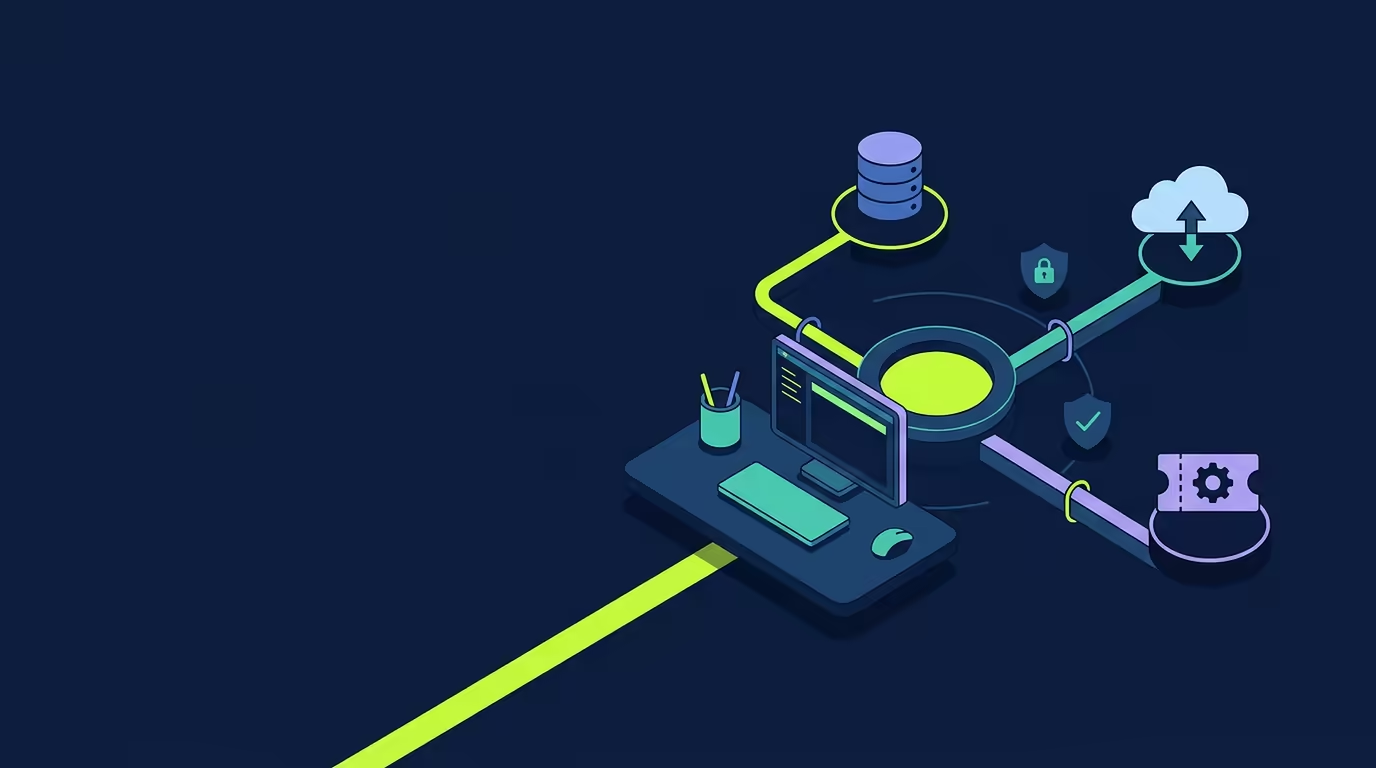
MCP Servers
MCP lets you connect external tools, databases, and data sources to Tarsk. Install from the marketplace or add your own server, and the agent calls its tools in conversation.
- Connect external tools, databases, and data sources
- Local processes and remote HTTP servers
- OAuth sign-in with credentials stored encrypted locally
Workspace
A complete workspace
Every project gets isolated branches and a full multi-panel workspace: chat, terminal, browser, and dev server in one place.
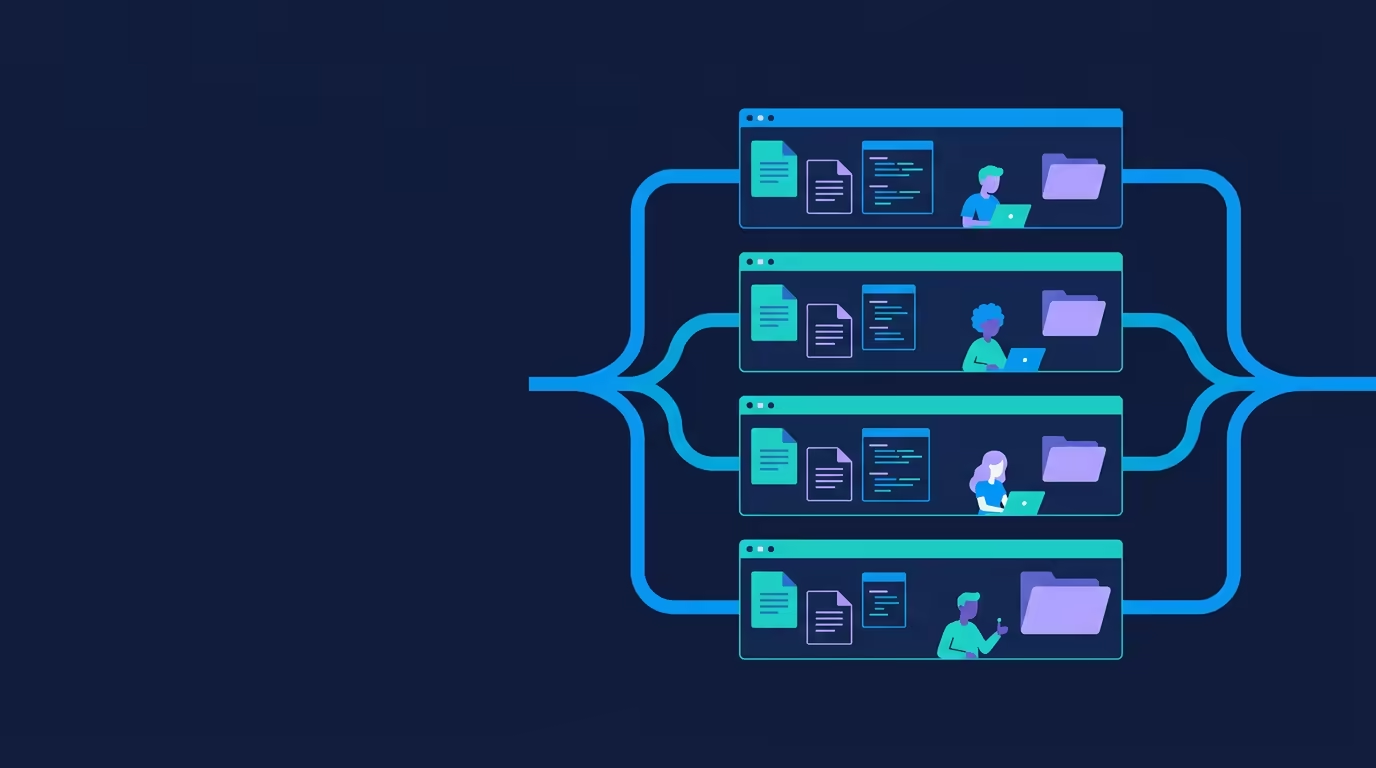
Isolated Branch Workspaces
Each thread is a full git clone on its own branch in its own directory. Run multiple agents in parallel without their changes tangling.
- A branch and space for every feature or fix
- Truly parallel, independent agent work
- Merge back with a standard git merge or PR
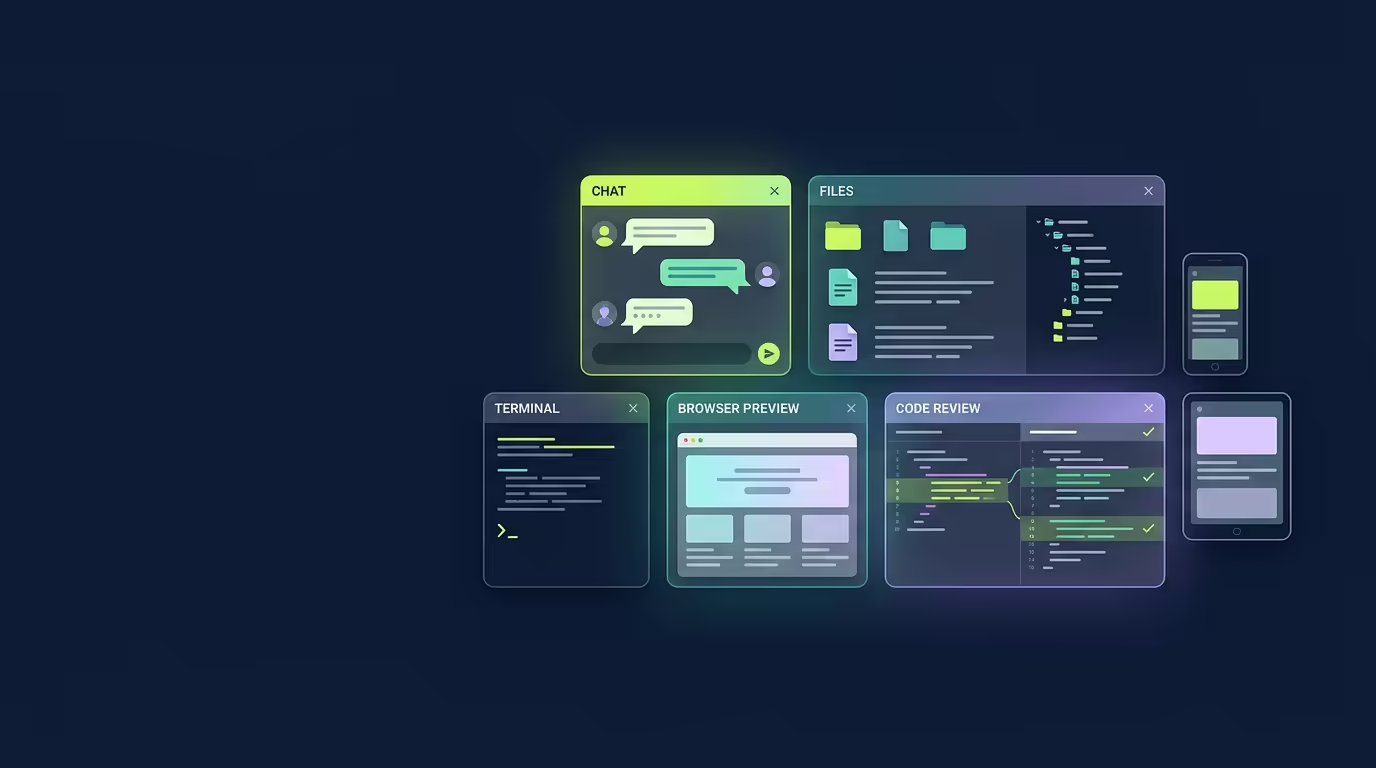
Multi-Panel Workspace
A floating chat dock opens Files, Terminal, Browser, Tasks, and Review as separate windows. Each branch runs its own dev server with a live preview.
- See chat, files, terminal, and browser at once
- Desktop, tablet, and mobile preview presets
- The agent can run JS in your live app to inspect and test its DOM
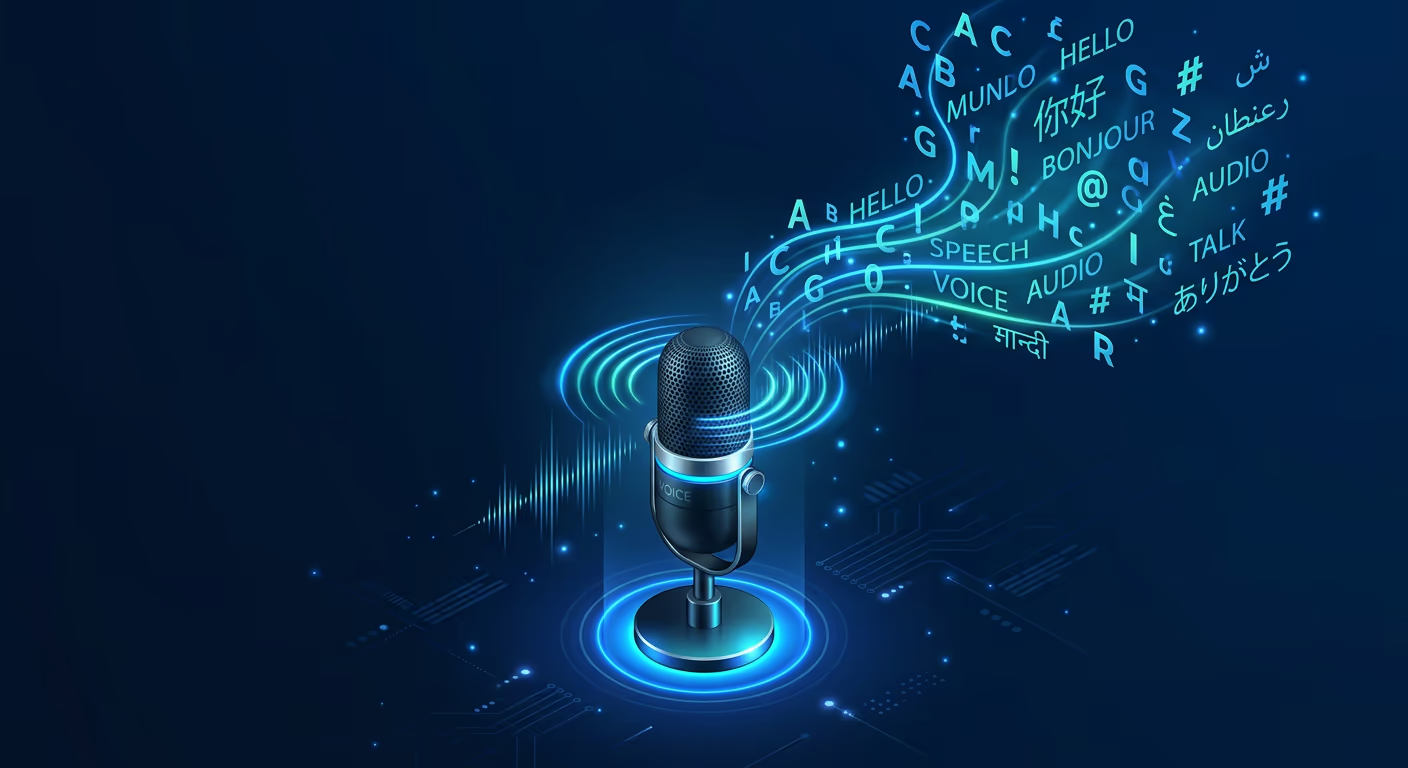
Offline Voice Input
A mic button streams text as you speak using Vosk running locally on your CPU. 30 languages, a runtime vocabulary field, and no audio leaves your machine.
- Real-time streaming recognition
- Adapt the vocabulary to your codebase identifiers
- Completely offline, with a ~40MB cached model
Private and Local.
Private. Yours. Ready when you are.
Free. No account required. Your data stays on your machine.