
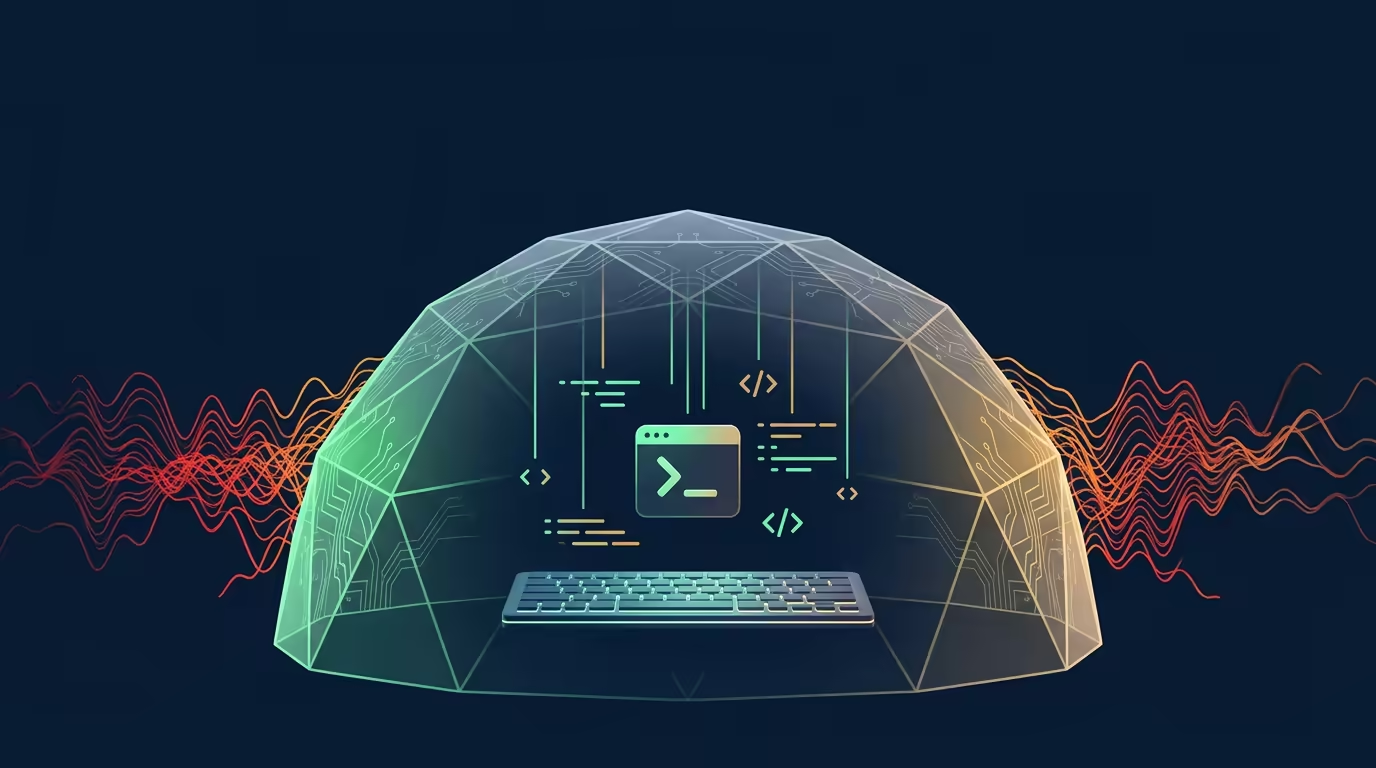
When you tell an AI agent to run a bash command, you’re handing it a shell. If that command runs rm -rf ~/ or curls a malicious script, the damage is done before you finish reading the output. Tarsk now ships with a macOS Seatbelt sandbox that prevents exactly this, and it’s on by default.
What the Sandbox Protects
The sandbox wraps every bash command and skill script your agent executes inside a kernel-enforced containment profile. Apple’s Seatbelt (SBPL) powers the same mandatory access control that sandboxes Safari tabs and Xcode builds.
Your agent can read and write freely inside your project directory. That’s where the work lives.
It can read a narrow set of config files from your home directory: .gitconfig, .npmrc, .bun, .config, .cargo. Git, npm, and bun work normally.
It cannot read your SSH keys or Git credentials. The sandbox excludes ~/.ssh and ~/.git-credentials. A compromised script cannot exfiltrate files it cannot open.
It cannot access hardware. iokit-open and file-ioctl are denied. No direct device access, no camera, no microphone.
It cannot read arbitrary files outside your project. The profile starts with (deny default) and whitelists only the paths your agent needs. If a script tries to read /etc/passwd or your Documents folder, the kernel says no.
Network-outbound is allowed so your agent can install packages and fetch dependencies. You can toggle it off in Settings.
How It Works
When your agent invokes bash or executes a skill script, Tarsk generates a Seatbelt profile file for your session. sandbox-exec reads that profile and runs the command inside a sandbox with exactly those permissions.
The profile lives outside the sandbox’s write set. Tarsk stores it in its own data directory, not /tmp, so a sandboxed process cannot rewrite its own rules. Profiles are cached by content hash. You pay no file-write cost on every command.
Both bash and execute_skill_script go through the sandbox. Tools like read, edit, and write validate paths in the Node process instead. They don’t need kernel containment.
On by Default
The sandbox is on by default. When you first launch Tarsk on macOS, no preference exists in the database. Tarsk treats an absent preference as “enabled.” The settings API runs a health check on every request: it writes a test profile, runs a shell command inside it, and confirms the kernel blocks reads from outside the project. If the check passes, the sandbox stays on. If it fails on a system where sandbox-exec is broken or missing, Tarsk writes the preference to false and shows a status message explaining why.
This is fail-closed. If the health check fails while your preference says “on,” Tarsk disables the sandbox and tells you what went wrong. It never applies a broken sandbox. It never claims the sandbox is protecting you when it isn’t.
You can toggle it off in Settings → General → Sandbox. The default is on.
When You Might Turn It Off
Most users should leave the sandbox enabled. The overhead is a few hundred bytes of SBPL rules. sandbox-exec resolves them in the kernel on process start.
Turn it off if you run commands that span many directories outside your project. On non-macOS platforms, the sandbox doesn’t apply at all.
The Design
Security features in developer tools tend to be off by default and nobody finds them, or on by default and they break workflows without warning. The sandbox is on, it reports its health honestly, and you can turn it off.
It also picks its fights. Bash and skill scripts are the two surfaces where arbitrary code execution is most likely, so that’s where the kernel containment sits. The other tools handle their own validation.
Key Takeaways
Try Tarsk
Download Tarsk and run AI-generated code knowing your filesystem, credentials, and hardware are protected by default.