
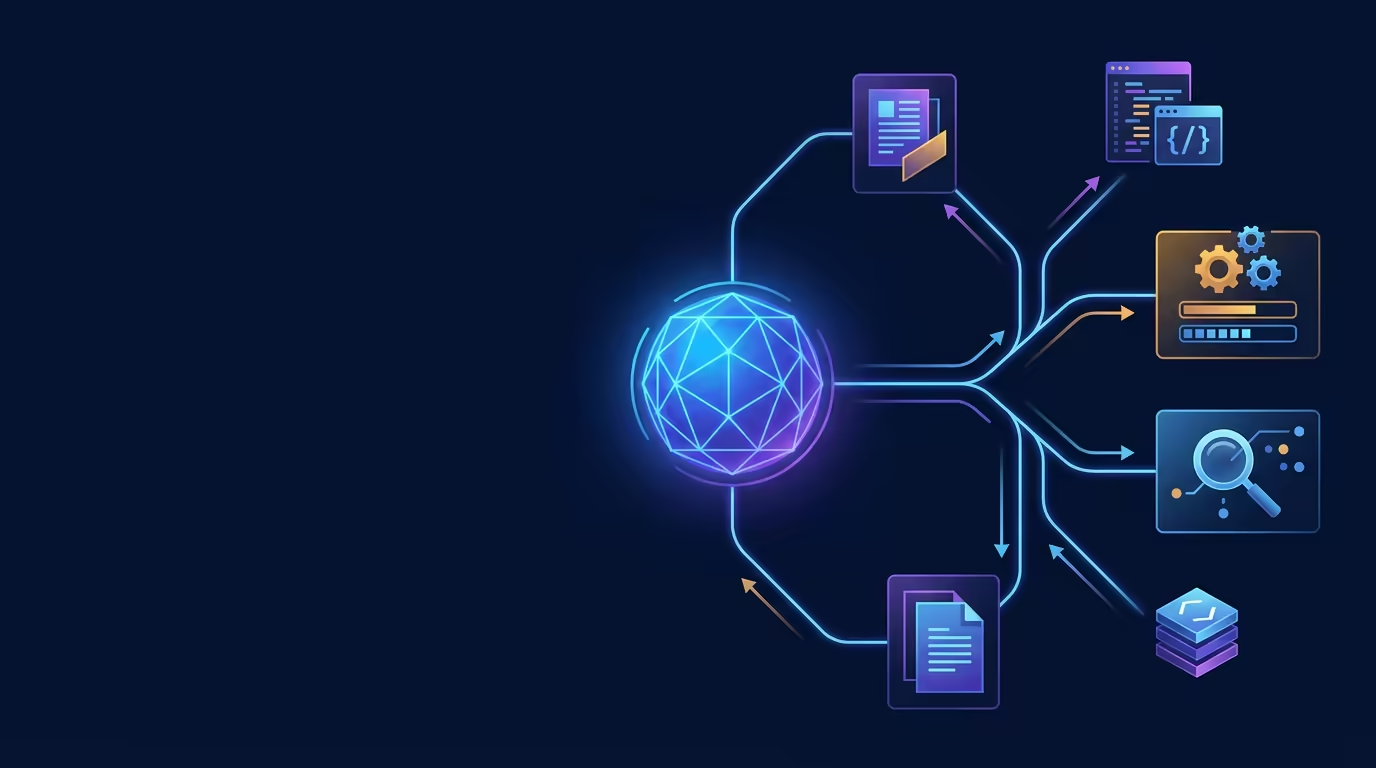
A coding task can pull in many kinds of work: reading files, running tests, searching for a className, drafting an explanation. Tarsk Subagents let you hand each focused piece to its own isolated agent with a restricted tool set, a pinned model, and a clear way to pass results onward.
That split keeps the main conversation clean. Verbose output stays in the subagent, and only a short summary returns to the thread. You get focused analysis from read-only reviewers, command execution from test runners, and cost control by sending routine work to cheaper models.
Why Subagents matter
A single agent holds context for an entire task. When that agent explores a large codebase, runs logs, or fetches docs, the conversation fills with intermediate output. That output can crowd out the important work and add to the context you pay for.
A subagent runs in its own fresh conversation. It keeps its exploration, tool calls, and thinking to itself. When it finishes, it returns one summary. The parent agent stays focused on coordination and decisions.
Isolation also supports safety. You can give a reviewer only the tools to read and search, so it can inspect code without altering it. You can give a test runner the tools to run commands without a way to edit files. Restricting tools makes each subagent predictable.
Core concepts
Named and ad-hoc subagents
A named subagent is defined by an agent file that carries its own system prompt, restricted tools, and optional model and provider. You can reuse the same definition across threads and share it between projects.
An ad-hoc subagent uses a prompt and an optional tool allowlist you provide at the moment you need it. It inherits the parent system prompt, base tools, and model. Ad-hoc subagents fit one-off subtasks.
Roles through tool restrictions
Tools define what a subagent can do:
- Read-only:
read,grep, andfind. Inspect and search code, with no way to write or edit. - Command-only:
bashandread. Run shell commands such as tests, with no way to edit files. - Edit-only:
read,edit, andbash. Handle a tightly scoped change with a minimal write path.
A reviewer without edit access reports an issue rather than fixing it silently. That separation gives you a clean signal about the state of the code.
Per-agent model and provider
A subagent inherits the parent model by default. You can override it with the model and provider fields on the agent definition. A qualified name such as anthropic/claude-opus-4-6 sets both at once.
Model overrides accept enabled models from your Settings, so you choose from models you already have available. Use this to route routine subtasks to a faster, cheaper model while the main thread stays on a capable model.
Chaining and depth
A subagent can chain to other agents. The parent passes a focused task, the subagent returns a summary, and the coordinator can feed that result to the next specialist.
Tarsk allows up to two levels of nesting: the main agent, a subagent, and a sub-subagent. A subagent spawns its own helpers only when its agent definition lists those helper names. That limit prevents runaway recursion while letting you build multi-step workflows.
How Subagents work in practice
You define agents in the project or in a shared global location. Each definition names the agent, describes its job, limits its tools, and sets optional model and provider settings.
When the parent agent sees a self-contained subtask, it invokes the matching subagent through the built-in agent tool. The subagent works autonomously, builds a fresh context, and returns a final text summary. Intermediate tool calls and reasoning stay inside the subagent. The parent then decides whether to continue, delegate again, or synthesize the result.
The tool allowlist keeps a subagent honest: an agent given only read and grep can explore but cannot write. The agents field controls whether a subagent can spawn children at all.
Concrete examples
Orchestrate a review
Use a quality-lead agent with an agents field that lists its specialists. It delegates to a read-only code-reviewer, a security-auditor, and a command-only test-runner. Each worker returns a focused summary, and quality-lead combines the findings into one report.
Build in phases with a pipeline
A tdd-orchestrator can chain phase specialists. A red-phase agent writes a failing test, a green-phase agent writes the minimal passing code, and a refactor-phase agent cleans up. Each phase runs with the tool access its step needs, and each hands its result to the next.
Cut costs on routine work
Route high-volume subtasks to a cheaper model with a per-agent model and provider override. Keep the main thread on the capable model for planning and synthesis, and send predictable subtasks to a faster model.
The same pattern helps with parallel analysis. You can run separate read-only checks for security, performance, and accessibility at the same time, then merge their outputs.
Common mistakes
Over-delegating quick work
A change that takes one or two direct tool calls does not need a subagent. Delegate when the subtask is self-contained and you only need a summary back. For quick edits, use the parent agent directly.
Giving every tool
A blanket tool set lets a subagent wander. Give each agent the minimum tools for its role. A reviewer needs read and grep; it does not need write or edit.
Expecting shared history
A subagent starts fresh. It does not inherit the parent conversation. Pass all the context the subtask needs in the delegation message. A reference to a prior discussion will not reach the child agent.
Forgetting the depth limit
Chains run two levels deep: main agent, subagent, sub-subagent. Plan workflows inside that limit, and use the agents field to grant a subagent the right to spawn specific helpers.
Picking models outside the enabled list
Model overrides accept enabled models. Confirm the model and provider are enabled in Settings before you set an override, so the runtime can honor it.
When to delegate
Use a subagent when the subtask is distinct, isolated, and returns a summary. That covers research, parallel analysis, specialized review, background data-gathering, and task decomposition.
Prefer direct tool calls when the work is quick or depends on ongoing context from the main thread. Use skills when you want to extend the current agent’s knowledge rather than spin up a separate agent.
Summary
Tarsk Subagents isolate focused subtasks into their own context, restrict tools by role, and let you pin a model and provider per agent. Read-only reviewers and command-only test runners give you safe, predictable behavior, and chaining lets multiple specialists hand results to one coordinator.
Define an agent for each recurring job, whitelist its tools, and delegate self-contained work. Pass complete context with each invocation, keep routine subtasks on cheaper enabled models, and plan handoffs within the two-level depth limit.