
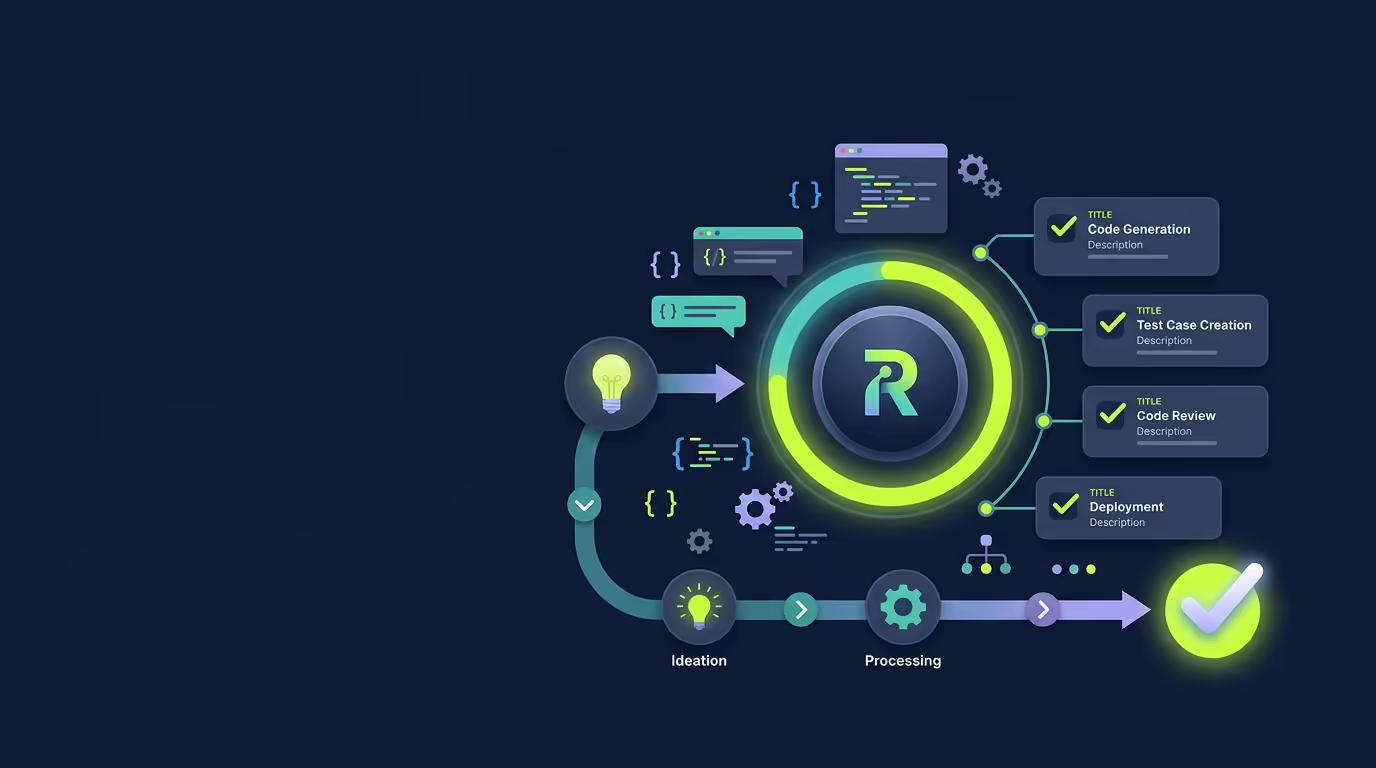
Large coding tasks often fail at the handoff between steps. One change works, the next one gets forgotten, and the final test run never happens. Ralph Mode gives Tarsk a todo list, a quality gate, and a fresh context for each story so the agent can continue until the work reaches a verified stopping point.
What problem Ralph Mode solves
Use Ralph Mode when a request contains several connected pieces of work. A login feature may need a form, validation, server errors, and tests. A migration may need data changes, updated queries, cleanup, and verification.
Ralph turns the request into separate todo stories. The agent takes one story at a time, marks it as working, changes the project, runs the available checks, and marks the story complete only after those checks pass. Tarsk starts the next iteration without asking you to send another message.
Each iteration receives a fresh context. The agent keeps continuity through the project files, Git history, the todo checklist, and a progress file that stores useful learnings from earlier stories.
Requirements and setup
Ralph works best when you can describe a clear outcome and divide it into testable stories. Use a Git-backed project so the agent can review changes and commit completed stories as it works.
Before you start, prepare these items:
- A project opened in Tarsk
- A request with a clear result
- A list of separate deliverables, if you already know them
- The checks that should pass before the work is complete
Ralph can split a broad request for you. You will get better results when you name the boundaries. “Add team invitations with email validation, an invitation screen, API handling, and tests” gives the agent useful stories. “Improve the team experience” leaves too much room for interpretation.
Use Ralph Mode
1. Choose Ralph
Open the mode selector beside the chat input and choose Ralph. You can also start a message with /ralph.
The input placeholder changes to Describe stories for Ralph to implement autonomously…. Tarsk remembers the selected mode as the project default for new threads, and you can change it before another request.
2. Describe the result and the checks
Write the request as an outcome with clear boundaries. For example:
Add password reset to the account area. Create the request form, validate the email, add the reset endpoint, show success and error states, and add tests for the full flow.Tell Ralph how you will judge the result. Name required tests, lint checks, type checks, screenshots, or manual behavior when those details matter.
3. Review the todo stories
Ralph creates a checklist in the conversation when your request needs several stories. The todo control in the chat toolbar shows a progress ring and a label such as 1 of 4. Select it to open Agent Todos and review the work.
The first story moves to working. Ralph implements that story, then runs the quality checks that apply to the project. Ralph marks the story done only after the checks pass.
You can stop the run if a story needs a new decision. Command approval still applies when Confirm commands is enabled.
4. Let Ralph continue
After the first story finishes, Tarsk starts the next iteration without another prompt. Each iteration handles one incomplete story. The new agent receives the current project state and the saved learnings from earlier iterations.
Progress events in the conversation show the current iteration, remaining stories, validation attempts, and the final result. A successful run ends with a message such as [Ralph] All 4 stories completed successfully.
5. Check the result
Review the finished todo list, Git diff, commits, and test output. Confirm the behavior in the app when the task changes a user-facing flow.
The progress ring shows checklist status at a glance. Use the todo panel and the conversation details when you need to confirm that Ralph also verified the story with passing checks.
A practical example
Suppose you want to add a project invitation flow. Send Ralph a request with four clear parts:
- Add an invitation form with email validation.
- Add the server action that creates an invitation.
- Display success, expired-link, and server-error states.
- Add tests for valid and invalid invitations.
Ralph works through the stories in order. The first iteration creates the form and runs its checks. The next iteration reads the updated project and the saved progress, then adds the server action. Later iterations complete the states and tests. You can watch the ring move from 1 of 4 to 4 of 4 while each story passes its quality gate.
If the server action exposes a design decision, stop Ralph, answer the question, and restart with the needed detail. The todo list keeps the unfinished story visible.
Advanced tips
Keep each story within one context
A story should have one clear result and fit inside a single agent iteration. Split a large story when it includes several unrelated screens or systems. Ralph can add smaller stories when it finds that a request is too large.
Record decisions in the request
Fresh iterations do not carry the full chat history. Put important requirements in the project files, the todo story, or the progress learnings. Ask Ralph to record a discovery when it will affect a later story.
Use Git commits as checkpoints
Ralph is instructed to commit each completed story. Review the commits after the run so you can identify the change that introduced a behavior or use standard Git tools to compare stories.
Set expectations for long runs
Ralph allows up to 10 iterations in one run. A story that keeps failing its checks can use the remaining iterations and leave later stories incomplete. Break up the work, fix the failing requirement, or stop and revise the request when the run needs a new direction.
Common pitfalls
Ralph stops without creating stories
The request may be too vague or may describe one outcome without actionable parts. Add two or more concrete deliverables, the expected behavior, and the checks Ralph should run.
The progress ring says the work is complete too soon
The toolbar ring reflects the checklist status. Ralph uses the validation result to decide whether it should start another iteration. Open Agent Todos and read the validation messages when the ring and the latest result appear out of sync.
Later iterations lose an important decision
Ralph clears the conversation context between iterations. Ask the agent to record the decision in a project file or progress learnings, and include the requirement in the relevant story.
The run reaches the iteration limit
Ralph stops after 10 iterations, even when stories remain. Read the last validation error, split the blocked story, and run a smaller request after you resolve the underlying issue.
Summary
Ralph Mode turns a multi-step request into a sequence of todo stories. Tarsk handles one story per fresh iteration, runs checks before marking it passed, and carries useful learnings into the next story.
Choose Ralph for clear, decomposable work. Describe the outcome, name the checks, review the todo list, and inspect the final Git changes before you ship.