
The realtime control channel behind the UI
Spinners, busy chats and live tool output come from the server, not from guesses in the window.
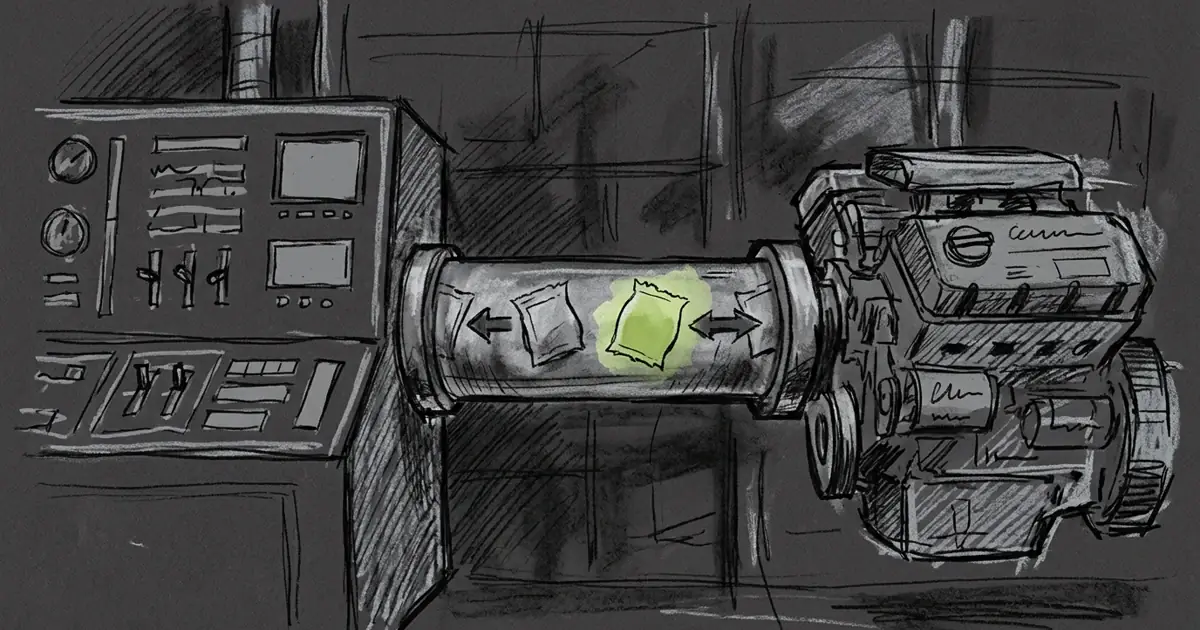
Open the same chat in two windows while the agent works. Both should show the same thing: the same busy state, the same partial answer, the same tool call in progress.
That only holds if the window stops guessing. A window that decides a run has finished because text stopped arriving will clear its spinner while the agent is still working, and the next window you open will disagree with it.
The record lives on the server
Tarsk keeps the truth about a run on the server: which chats are busy, which are waiting for your approval, which are automated, and what each run has produced so far. The window subscribes to that state and redraws.
Two channels carry it:
- A control channel for app-wide state. It holds the roster of active runs and announces changes to your task lists, git status, dev servers, goals, tunnel address and provider list.
- A run stream for one conversation. It carries the assistant text as it arrives, tool calls and their output, approval prompts and token usage, then a final frame that says the run is over.
Everything else is a normal request and response: creating a chat, loading history, sending a message.
Four rules that keep the screen honest
A spinner clears only when the server says so. If a background task finishes while your window is closed, the next roster tells the window the run is gone. Local flags are corrected against the server instead of being trusted.
A lost connection never means finished. When the app cannot reach the server, a run still in progress is reported as unavailable, not complete. The spinner stays, the chat does not claim to be done, and the app reconnects on its own with a backoff that grows from one second to thirty.
A missed update triggers a refetch. Every update on the control channel carries an order number per section. If the app sees a gap, or reconnects with an order number the server no longer recognises, it refetches that section instead of patching a stale copy.
A duplicate send is refused. Each message you send carries an identifier. If the same message arrives twice, the server answers that the chat is already busy and the window attaches to the run that is already going. You get one run even if you press send twice or the network retries.
Reload in the middle of a run
Reload the page and the run does not start over. The app reconnects to the run’s stream, which replays what the run has buffered, then continues live from where it is.
The replay is compacted on the way out. Assistant text is merged into whole blocks, and per-token and per-line progress events are dropped, so a long run does not re-send every keystroke of a terminal command. You get the answer as it stands, then the live tail.
Two windows, one run
Each window opens its own connection. Nothing about the roster is shared through the page, so a window that opens later still learns that a chat is busy, and it attaches to the stream it does not own.
The run itself is keyed by chat and conversation, so two panes on the same chat see the same run. When you have two conversations processing in the same chat, the app asks the stream which one it means rather than picking for you.
What still uses polling
Some parts of the app poll. That is by design:
- Provider sign-in waits for a browser callback, so it checks every second while you finish the flow.
- Approval prompts and MCP connect cards fall back to short polling when the channel is off.
- The task list polls every two seconds while the channel is disconnected.
When the channel is connected, these fall back to push and the polling stops. A window that keeps polling after the connection is up is a window you should reload.
Limits worth knowing
- Ordering holds within a section, not across sections. The roster and your task list can arrive in either order. Each is consistent on its own.
- The replay buffer is short. A run keeps a couple of thousand recent events and drops them about a second after it finishes. A reconnect later than that loads the stored transcript instead of replaying the stream.
- A gap in the stream costs a refetch. After a network drop, expect the affected panel to reload once.
- The channel speaks for one machine. Each Tarsk server publishes its own state, and a remote chat’s state comes from the machine running it.
- Queued messages are per window. A message you queue in one window is not shown in another, because the queue lives in the window that accepted it.
Try it
- Start a long run, then open the same chat in a second window and compare the busy state and partial answer.
- Turn off Wi-Fi for a few seconds mid-run. The spinner should stay, and the answer should resume when the connection returns.
- Send the same message twice in quick succession. You should get one run and a busy notice, not two replies.
Download Tarsk or read the documentation.