
Pull requests that link back to the chat
Ask the agent to open the pull request. Tarsk names the branch, links the PR to the conversation, and shows the checks state on the PR button.
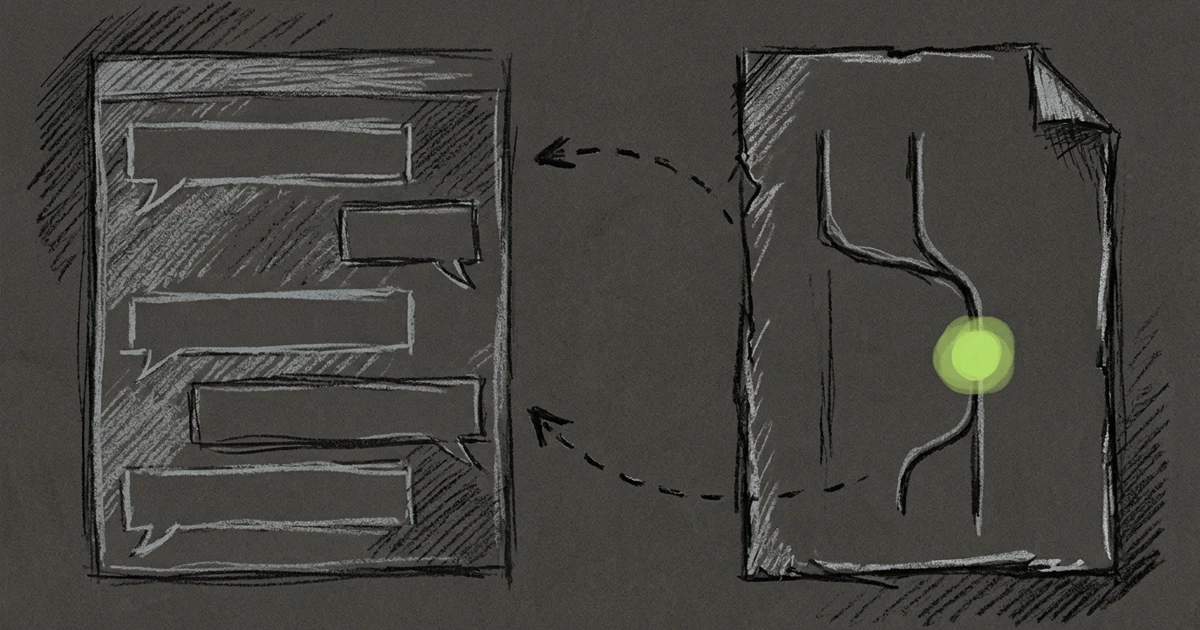
A reviewer opens your pull request and asks why the agent changed a file. The answer sits in a Tarsk chat on your machine, and until now the PR had no way to point at it.
When an agent opens a pull request in Tarsk, the description ends with an Open Conversation in Tarsk link. You or a teammate can follow it from GitHub back to the chat that produced the change.
Ask the agent for the PR
Tell the agent “open a PR” or “ship this” when the work is ready. The agent commits on the chat’s branch and calls Tarsk to create the pull request. Tarsk then:
- renames the branch to match the PR title, the same as the Create PR button does
- pushes the branch and creates the pull request on GitHub
- adds the Open Conversation in Tarsk link to the description
If the branch already has an open pull request, Tarsk leaves the branch alone and returns that PR. The agent pushes new commits to it.
Tarsk refuses to open a PR from the base branch, such as main. The agent must commit on a feature branch first, and each Tarsk chat starts on one.
You need the GitHub CLI signed in on the machine, the same as for the Create PR button.
The first push happens at Create PR
A new chat’s branch stays on your machine while you commit. Tarsk publishes it once, when you create the pull request, under the name that matches the title. You no longer get a remote branch with a placeholder name next to the renamed one.
After the pull request exists, each commit pushes to it straight away, so the PR stays current.
See the checks on the PR button
The pull request button in the chat status shows the PR number, and its colour now tracks the checks:
- brand colour when the checks pass
- orange while they run, when they fail, or when GitHub reports none
Hover the button to read the state: Checks passing, Checks running, Checks failing, or No checks reported. The sidebar row for the chat carries the same checks state, so you can scan a list of chats and find the PRs that wait on you.
Where the new PR opens
When you click Create PR, Tarsk opens the new pull request for you. If the project has Built-in Browser turned on, the PR opens in a Browser tab inside Tarsk. If it is off, the PR opens in your system browser.
Tarsk opens the PR only if you are still on the chat. If you moved to another chat, or to Files or Tasks, while GitHub created the PR, Tarsk does not pull you back.
Try it
Finish a small change in a chat and type “open a pull request for this”. Open the PR on GitHub, scroll to the end of the description, and click Open Conversation in Tarsk.
- Agent-made PRs link back to the conversation.
- The branch goes to GitHub once, under its final name.
- The PR button turns brand colour when the checks pass.