
See your prompt cache hit rate at a glance
The Spend dialog now shows the prompt cache hit rate as a bar, with a small table of cache reads and writes, their tokens and their cost.
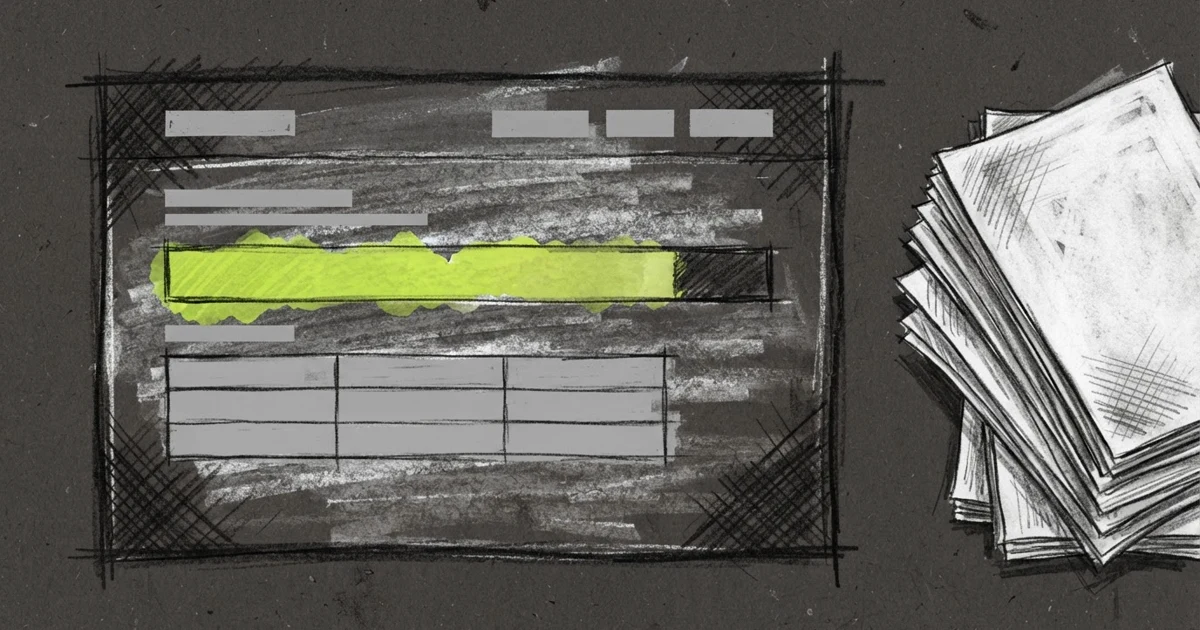
A long chat sends the same history to the model on every turn. Most providers keep a copy of that history for a few minutes and bill you less when you send it again. That discount is the prompt cache, and on a long coding session it can decide most of your bill.
Tarsk already counted the cache. It showed the numbers as one dense line of text. The Spend dialog now gives you a hit rate bar and a small table instead.
Open the Spend dialog
Click the spend amount in the chat header to open Spend. Pick a tab:
- Today for all of today’s chats
- This Chat for the conversation you have open
- Last 30 Days for the long view
Each tab has a Prompt Caching section.
The hit rate bar
The bar at the top reads Hit rate with a percentage, for example 87.4%. It shows how much of the prompt text you sent came from the cache. A full bar means the provider read almost all of your history from the cache at the discount price. An empty bar means you paid full input price for every token.
In a healthy long chat, the bar sits high. Each turn adds a little new text on top of a history the provider has already cached.
Reads and writes
Below the bar, a table has two rows, Read and Write, with Tokens and Cost for each:
- Read is text the provider took from the cache. These tokens cost less than normal input.
- Write is text the provider stored in the cache for later turns. Some providers charge extra for a write.
Large token counts show in short form, such as 1.2M or 48.3K, so you can compare the rows fast.
If the Write cost is close to the Read cost, you pay to fill a cache that you seldom reuse. That happens when you leave a chat idle until the cache expires, or when each turn changes the start of the prompt.
When a model does not cache
If you used more than one model, or a model with almost no cache hits, a Prompt Caching by Model table appears below. It lists the hit rate for each model. A model under 5% gets the mark not caching, and Tarsk explains: Models marked not caching re-bill the full context as input each turn.
That mark is your cue. A model that does not cache costs much more per turn in a long chat than one that does, even at the same list price. Switch to a model that caches, or start a fresh chat so that each turn sends less history.
Try it
Open a chat that you have worked in for a while, click the spend amount in the header, and choose This Chat. Look at the bar.
- The Hit rate bar shows how much of your prompt the provider read from its cache.
- The table splits cache Read and Write into tokens and cost.
- A model marked not caching pays full price for the whole history on every turn.