
Every new feature has a named place to live
Skills, commands and permission checks attach at named places in Tarsk, so a feature does not start with an edit in the middle of the app.
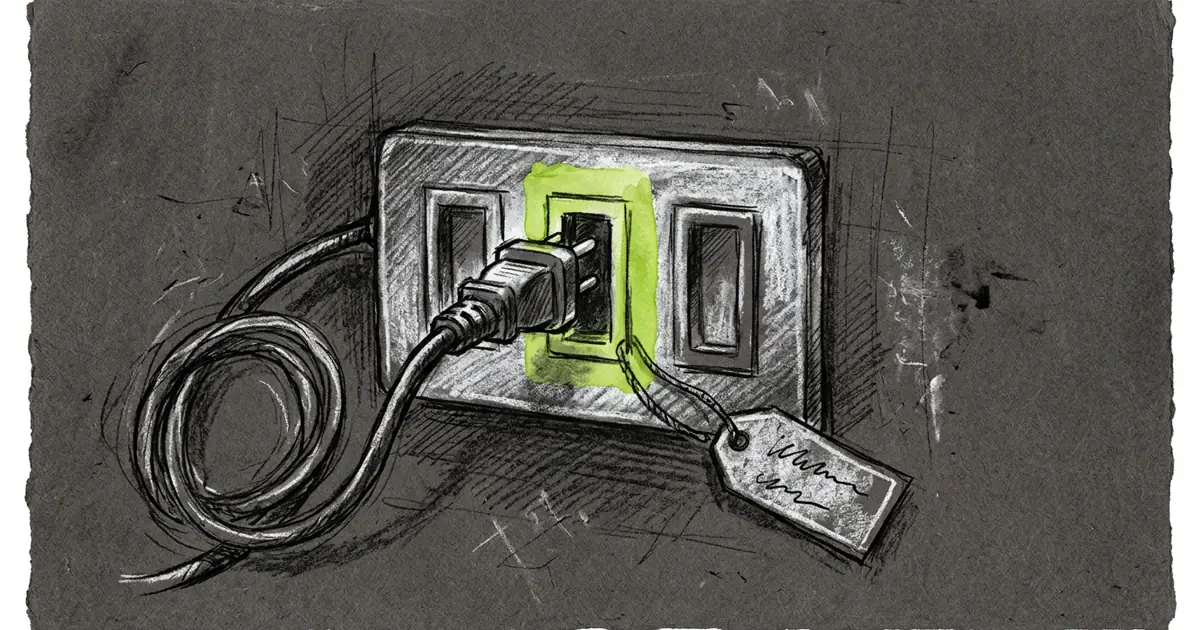
Ask an engineer where a new feature goes and most answers start with a shrug. Ask inside Tarsk and the answer is a name: the tool list, the command list, the permission check.
That answer is why one app ships for web, desktop and mobile without three copies of every feature. A feature attaches at a named place. Nothing in the middle of the app changes to make room for it.
A name is an identity
When you publish a tool, its name is how everything else finds it. The model reads the name in its instructions. Settings → Tools toggles the name. A skill that allows one tool lists the name. Tool search matches on it.
Two things follow from that. A second tool with the same name fails to register instead of shadowing the first one. And renaming a tool is a rename everywhere: the script, the skill that lists it, and any project that turned it off by name.
What you can attach today
- A skill that publishes a tool. List the tool names in the skill and ship one script per tool. The tool appears in Settings → Tools and joins the next run’s tool list.
- A project command. Put
release-notes.mdin the project’s commands folder and/release-notesexists for everyone in that project. A project command beats a global one. Built-in names stay reserved, socompact.mdcannot replace/compact. - An MCP server. Connect it once and its tools join the same list under the same rules.
- A provider credential. A provider id names its catalog entry, its sign-in flow and the models it offers.
Tarsk’s own behavior uses the same places. The shell gate, the web fetch gate and the argument repair pass are registrations, not special cases wired in beside them. One path means a fix to the permission check reaches every caller.
Every registration also hands back a handle that removes it. Undo costs nothing extra, and that matters when a run ends and its temporary registrations must come out.
Three rules you can feel
The tool list stays alphabetical. Tool order in the prompt comes from the name, never from who registered first. Add a tool and the others keep their places, so the cached prompt prefix survives.
A refusal is final. When a permission check refuses a command, nothing attached later can approve it. Approval is not a bypass either: a listener that allows a call still leaves the decision to the gate.
A change lands on the next run. The chat you have open keeps the tool set it started with. Add a skill mid-conversation and it shows up in a new chat, not this one. That freeze keeps the prompt cache valid, and it explains the occasional “where is my tool” question.
The review question changes
Two reviewers open a pull request and ask the same thing first: where does this go?
With named places, that question has an answer you can check. A change that edits the middle of the app has to say why no existing place fits. A change that needs a new place adds one name, once, with a type and a test. Placement stops being the argument, and reviewers read the behavior instead.
What we have not opened
- Settings cards. The place is named and typed, but the settings screen still shows a fixed set of tabs. A third-party card has nowhere to land yet.
- Code in packages. A package carries skills and MCP configuration. Behavior arrives as a separate server process, not as code inside the app.
- A contract, not a sandbox. Code that runs inside the app can do what the app can do. We plan to enforce declared capabilities at load, and that loader is not written yet. Until it ships, treat an install like running any other program on your machine.
Try it
- Add a skill to a project and watch its tool appear in Settings → Tools before it appears in a chat.
- Write a project command, then call it from the composer.
- Connect an MCP server and turn one of its tools off for a project.
New behavior attaches by name. The name is the contract, removal ships with the registration, and a rule that refuses stays refused.
Download Tarsk or read the documentation.