
How Tarsk made a new chat start faster
Every chat works in its own copy of the repository. In October that copy started coming from a checkout already on your machine instead of a download.
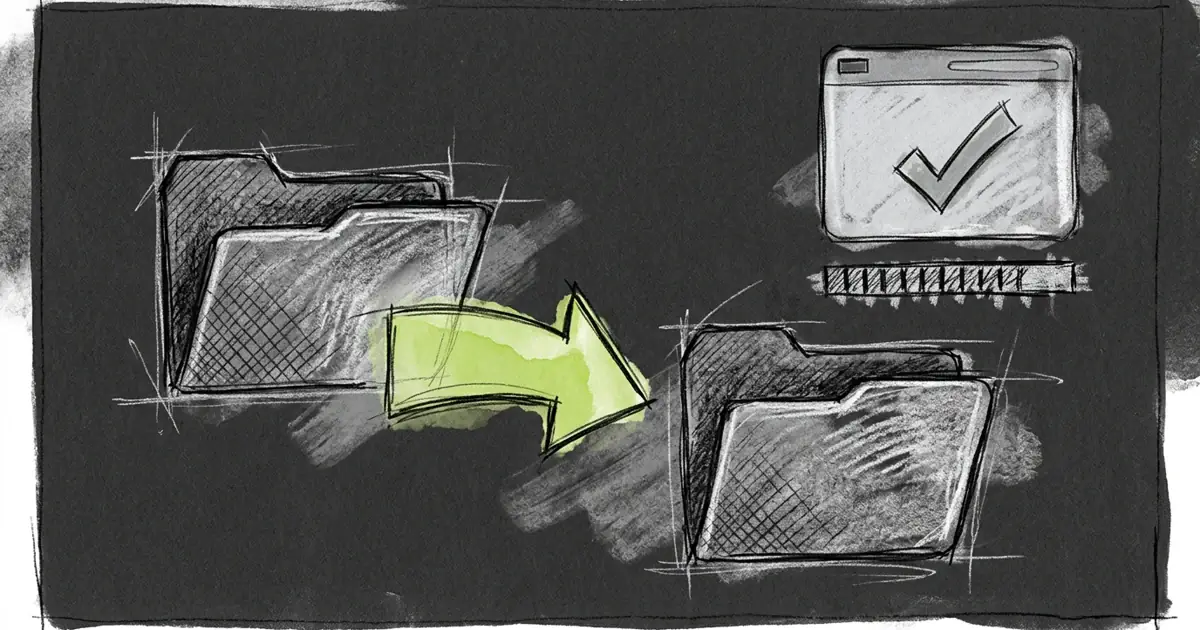
Every chat in Tarsk works in its own copy of your repository. That copy used to arrive as a download. In October it started arriving as a local duplicate, and a real clone started fetching one commit instead of the whole history.
Why each chat needs a copy
Two chats in one checkout overwrite each other’s files. One chat runs a build while the other edits the same file, a test run reads a half-written module, and neither result means anything. Separate copies also let you throw one chat’s work away without touching the main checkout.
The cost of that isolation used to be a clone per chat. On a large repository that is minutes of network, plus an install step before the first build.
The copy that skips the network
When Tarsk creates a chat and finds another checkout of the same repository on the same machine, it duplicates that folder instead of cloning. The duplicate keeps installed dependencies and build caches, because the copy includes the files git ignores.
The copy costs almost no disk. On a Mac, the file system duplicates a file as a set of shared blocks, and the blocks are only written when one side changes a file. A 1.9 GB dependency tree takes 1.9 GB of addressable space and almost nothing new on the disk.
A copy inherits state that a new workspace must not have, so Tarsk cleans it before use:
- Tarsk discards uncommitted changes.
- It removes untracked files, because a file that exists on the default branch would block the switch.
- It resets the copy to the remote’s default branch, so a chat never starts from another chat’s feature branch.
That last step needs the network: Tarsk fetches the default branch and detaches at the remote tip. If the fetch fails, or the default branch cannot be found, Tarsk throws the copy away and clones instead. A stale checkout would become the base of the new branch, and the pull request would list commits from the chat it came from.
The source is the most relevant checkout available: the chat you copied, then other chats in the project, then chats in other projects that track the same repository.
What a clone downloads now
The first chat in a project has no local checkout to copy, so it clones. That clone now asks for one commit at depth one, with a filter that skips file contents until they are needed. The history stays on the server.
If a server rejects the filter, Tarsk retries without it and still asks for one commit. Before October the fallback was a full clone, so a server without partial-clone support got the slow path.
The numbers
Measured on this machine on 8 November 2026, on a dependency tree of 1.9 GB and 112,689 files:
| copy method | wall time |
|---|---|
| plain recursive copy | 42.84 s |
| copy-on-write | 22.62 s |
The copy-on-write path halves the time and leaves the disk almost untouched.
A shallow clone of this repository from a local remote took 0.65 s and produced 23 MB of git data, against 41 MB for the repository’s own git folder. Over a real network the saving is mostly bytes rather than seconds.
What you see while it happens
The creation status now carries a thin progress bar with a percentage, read from git’s own output as objects arrive. Long steps also report themselves, so a silent minute is visible as a line rather than a frozen spinner:
- Copying an existing checkout
- Removing untracked files
- Fetching the default branch
- Checking out the latest default branch
- Falling back to a clone
A failed copy reports why it fell back, which is the useful part of the message when a project takes longer than usual.
The limits
The local copy needs macOS and its standard file system. On other systems Tarsk clones, and that clone uses the shallow download.
The first chat in a project always clones, and so does a chat in a project whose other checkouts have moved or changed remotes.
A copy is as large as the checkout it came from. A 10 GB folder copies in seconds but keeps its 10 GB of file metadata, and a checkout with a broken git folder falls back to a clone.
Refreshing the default branch still uses the network. A machine that is offline can copy an existing checkout but cannot finish the workspace.
Try it
Open a second chat in a project that already has one, and watch the creation line under the new chat. The second chat should show a copy, not a download. Then run git status in the new workspace: the branch is new, the tree is clean, and the dependencies are already installed.