
Select many files in the explorer and trash them at once
The Files explorer now supports Cmd-click, Shift-click, Cmd+A and a delete shortcut, with one Move to Trash for the whole selection.
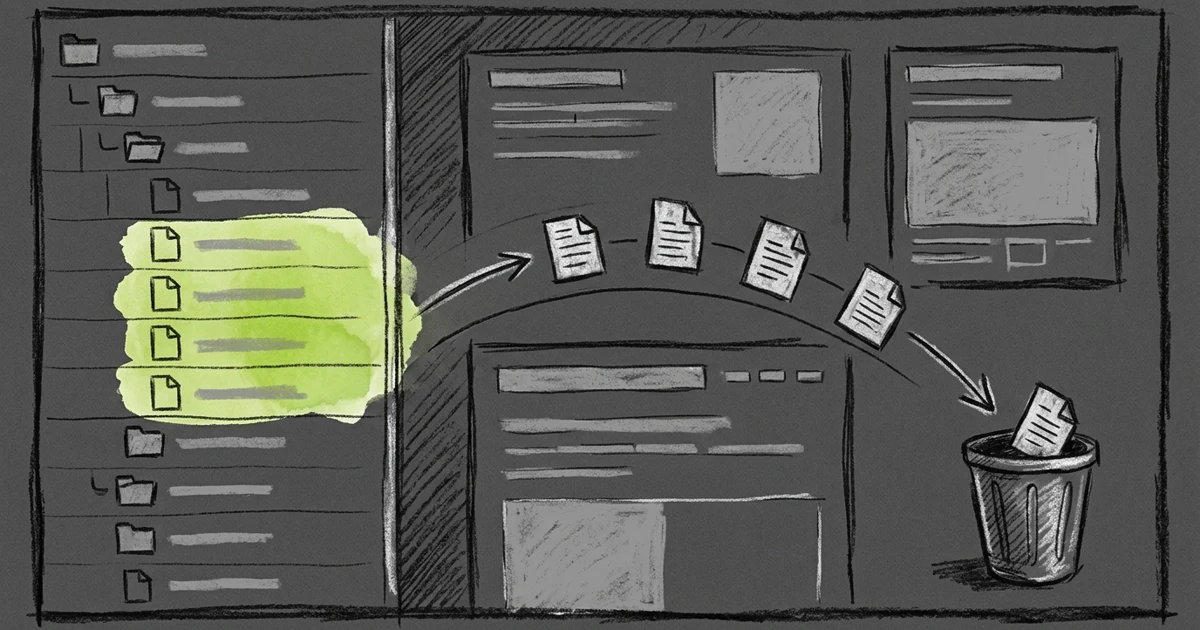
An agent run leaves six scratch files in a folder, and you want them gone. Until now the file explorer in Tarsk let you trash one item per right-click, six times over.
The explorer tree in the Files window now selects many rows at once, with the same keys you use in Finder or VS Code.
Select rows
- Click a row to select it and open it, as before.
- Cmd-click (Ctrl-click on Windows and Linux) adds a row to the selection, or removes it, without opening the file.
- Shift-click selects every visible row between the last row you clicked and this one. It works up or down the tree.
- Cmd+A (Ctrl+A) selects every visible row.
- Escape clears the selection.
The selection covers what you can see. If you collapse a folder, its children leave the selection, so you never delete a file you cannot see. When you switch to another chat, the selection clears.
Move them to the trash
With rows selected, press Cmd+Delete on a Mac (the key above Return), or the Delete key on other keyboards. You can also right-click one of the selected rows and pick Move to Trash.
Tarsk asks first. The dialog reads Move 7 items to trash? and lists up to five names, with a count for the rest. For one item it names the file.
If you select a folder and also a file inside it, Tarsk trashes the folder once and skips the file. If you have a trashed file open, Tarsk closes it in every Files window.
When some items fail, for example a file that another program holds open, a message tells you how many moved, such as Moved 5 of 7 to Trash, and names the files that stayed.
Right-click on a row you did not select
A right-click on a row outside the selection acts on that row only. Tarsk selects it alone and shows the menu for it. Your earlier selection does not ride along into a delete you did not mean.
Try it
Open the Files window in a chat, Cmd-click three files you no longer need, and press Cmd+Delete. Check the names in the dialog, then confirm.
- Cmd-click and Shift-click build a selection, and Escape clears it.
- The delete shortcut, or Move to Trash in the context menu, acts on the whole selection.
- A right-click outside the selection acts on that one row.