
Your chat survives a restart
Close Tarsk in the middle of a long run and the agent continues in the same chat when you open it again.
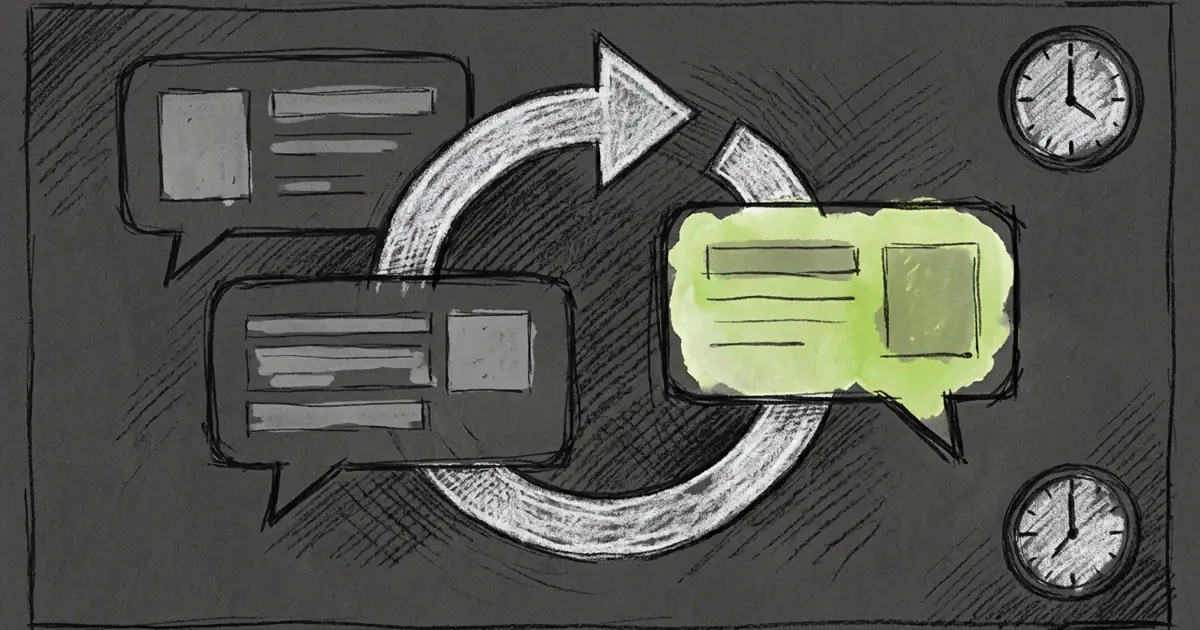
Close Tarsk in the middle of a long answer, open it again, and the agent carries on. The chat keeps its place, the partial reply stays, and the run continues in the same conversation.
Your chats live on your machine
Tarsk stores every conversation on the machine that runs the server, in its local data folder. That includes the messages you read and the agent’s own record of what it did: tool calls, results and the text it produced.
The window is a view of that record. Closing the app or reloading the page does not stop a run. The thread’s code stays in its own checkout on the same disk, so nothing about the conversation depends on the UI staying open.
What happens when Tarsk stops mid-run
The stream drops when the server goes away. Tarsk keeps trying to reconnect instead of declaring the chat finished.
On the next start, Tarsk finds the unfinished run and marks the cut-off turn as interrupted. Then it starts the run again in the same conversation, using the stored transcript. You do not send a new message, and no empty user bubble appears.
The order you see is:
- The partial reply that had already arrived.
- A notice in the chat: “Tarsk quit while this was running, so it was interrupted.”
- The agent continuing from there.
A resumed run shows up in the side panel like any other run, so you can watch it work.
What comes back, and what does not
Tarsk restores the conversation. The machine’s live processes do not come back.
Comes back
- Every finished turn, and the part of the cut-off reply that reached storage.
- The transcript, including tool calls that already ran and their results.
- The same conversation, model, provider and modes.
- Goals, which re-enter their own loop after a restart.
Does not come back
- The model call that was in flight. The resumed run makes a new call from the stored transcript.
- The tool call that was in flight. Tarsk does not repeat it. The agent is told the call may or may not have taken effect and decides what to do next.
- Anything an external service already accepted. Tarsk cannot roll that back.
- Terminal sessions, dev servers and project scripts. A quit stops them, and Tarsk does not re-attach after a crash.
- A subagent that was still running. The parent run resumes and can start that work again.
Stop is different from a quit
A run you stop does not resume. It ends with “I’ve stopped working on your request.”
Automated task runs follow the same rule. If a scheduled task is cut off, the scheduler starts a fresh run when the task is next due instead of resuming the old one. A Goal that cannot resume parks as Blocked until you press Resume.
Limits worth knowing
- Tarsk resumes a run at most twice. A run that keeps taking the server down will not loop.
- Startup waits up to 15 seconds for leftover work before it accepts requests.
- After an outage, the app waits 15 seconds before it treats a missing run as finished, so the screen can lag that long.
- Resume continues from the transcript. The agent also reads a note that it was cut off. It cannot recover the exact token stream or the tool step that was lost.
- A second Tarsk on a different port keeps run state in memory. After a restart its chat text is still there, but the agent’s memory of the run is not.
Try it
- Start a long run and quit Tarsk mid-answer.
- Open it again and watch the same chat continue after the interrupted notice.
- Keep terminals and subagents for work you can restart by hand.
Download Tarsk or read the documentation.