
Connect Builder.io with a sign-in
Builder.io issues no API key to copy. Tarsk connects it with a real sign-in, keeps the grant fresh, and adds Builder's apps to every project.
Most providers on the list ask for one thing: an API key. Paste it, and the models appear.
Builder.io works another way. Its gateway accepts a sign-in grant, and it has no endpoint that trades that grant for a long-lived key. So there is nothing to paste. Tarsk connects Builder.io by sending you through a real sign-in and then keeping the grant alive.
Why Builder.io cannot use the generic path
The other providers speak a shape that Tarsk already understands. Builder.io answers on its own Agent Native gateway with a different request body and a different response format: a stream of newline-delimited events rather than the usual chunks.
The awkward part is authorization. Builder authorizes with a private key or an access token from a sign-in. A private key belongs to a Builder space, and most people signing in to try a model do not have one. The sign-in is the practical path, and the grant it returns is the credential.
Tarsk gives Builder.io its own integration for this reason. Everything Builder-specific lives in one place: the sign-in flow, the token refresh, the model list, and the translation between Builder’s event stream and the stream the chat expects. The rest of Tarsk treats Builder.io like any other provider.
Connect once
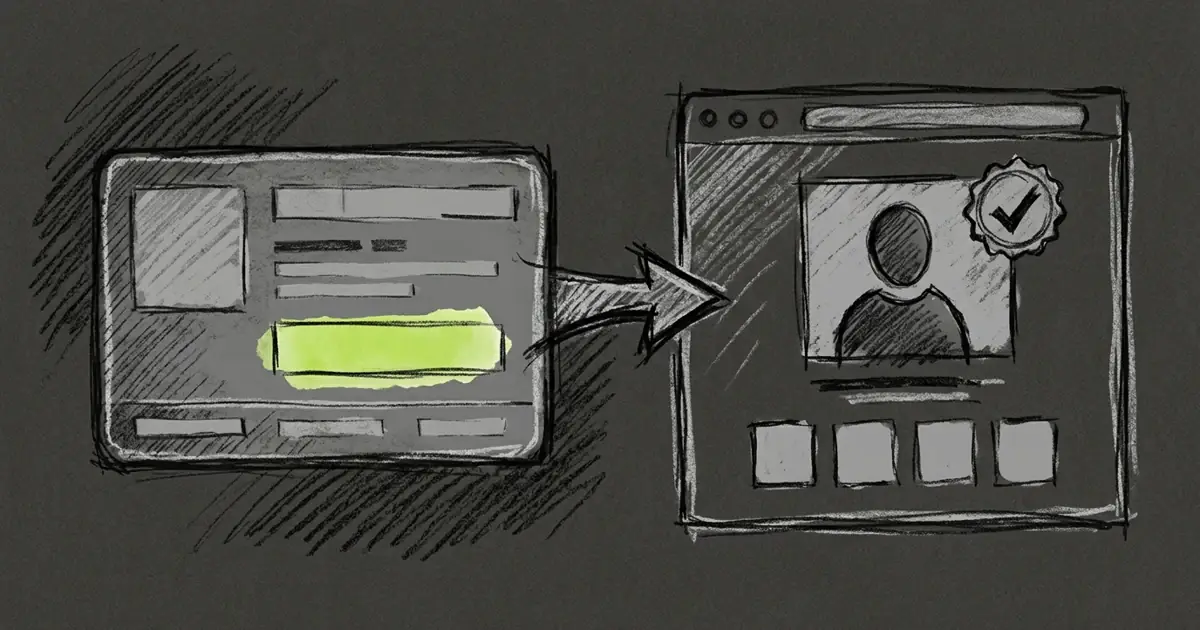
Open Settings → Providers, find Builder.io, and press Connect. Tarsk opens Builder’s sign-in page in your browser. Sign in, approve the request, and the tab says “Builder.io connected”. Close it.
Back in Settings the provider shows as connected, and Builder’s models appear in the model picker.
The sign-in redirect has to reach your machine. When you run Tarsk locally, Tarsk listens on a temporary local port for the redirect, the same approach Builder’s own command line tool takes. When you use Tarsk from a remote address, the redirect comes back through the server instead. Tarsk picks the right one from where you opened the app.
If BUILDERIO_API_KEY already sits in your environment, Tarsk uses it and skips the sign-in. That path is read-only. There is no field to paste a key, because Builder does not issue one you could paste.
The grant refreshes on its own
Access tokens expire. Tarsk renews yours before it runs out and keeps one renewal in flight at a time, so a burst of turns does not start a race.
The gateway can reject a token or refuse a single model, and Tarsk handles each case differently.
- The gateway rejects the token. Tarsk renews once and retries only if the new token differs from the rejected one. If renewal fails, the connection is cleared and the next message asks you to connect again.
- The gateway refuses one model. Tarsk reports that Builder refused this model and asks you to pick another. It does not send you back through a sign-in.
Your tokens stay on your machine, encrypted. They never land in a .env file. Disconnect revokes the grant at Builder when Builder’s revocation endpoint is available, then clears the local copy. If a refresh token is ever lost, connecting again is the fix.
Connecting Builder.io also adds its apps
Builder’s Agent Native apps come with the connection. The moment you connect, Tarsk adds these to your global MCP configuration, so every project sees them:
| App | What it covers |
|---|---|
| Design | Visual design work |
| Slides | Presentations |
| Clips | Screen recordings |
| Analytics | Product and traffic data |
| Calendar | Scheduling |
| Assets | Images and files |
| Content | Documents and content databases |
Each one arrives as a server with a deferred tool list, so the tools load when the agent needs them rather than filling the prompt at the start of every chat. A server your configuration already defines is left as it is.
Disconnect turns the connection off and leaves the server entries in place, so a later reconnect needs no second write.
What a chat gets
In a chat, a Builder.io model behaves like any other. Tools run, files in the project are readable, and the conversation keeps its context. Model entries carry the context window and output limit that Builder’s catalog reports, and reasoning effort appears when the model supports it.
Builder publishes no per-token pricing for the gateway, so Tarsk shows no cost estimate and no credit balance for these models. Usage tokens still count toward the numbers you see in the run.
Limits to know
- A dropped stream does not resume. If Builder closes a response partway through, Tarsk reports it and does not retry. Text you already saw is not repeated, and a tool call cut in half never runs. Send a new message to continue.
- Builder controls the model list. Model ids and plan access change without notice. Tarsk reads Builder’s published catalog and falls back to a snapshot when the network is unavailable, so a model can disappear between one week and the next.
- There is no key for headless use. Because the grant is the credential, a script cannot carry a Builder.io key. Connect on the machine that runs the work.
Connect it
Open Settings → Providers, choose Builder.io, and press Connect. Sign in, close the tab, and pick a Builder model in the model menu.
If the connection lapses later, the chat tells you and the fix is the same button.