
Tarsk connects to AI models through providers. OpenRouter gives you access to over 400 models from Anthropic, OpenAI, Google, DeepSeek, and dozens of others through a single API key. One account, one bill, one key pasted into Tarsk.
You will create the account, add your first credits, generate the key, and pick the right models for your first session. The full setup takes about five minutes.
What you will finish with
- An active OpenRouter account with credits
- An API key stored in Tarsk
- At least one model enabled and ready to use in a thread
Prerequisites
- Tarsk installed on your machine
- A web browser for the OpenRouter signup
- A credit card or cryptocurrency for adding credits (you can also start with free models and skip the payment step)
Step 1: Create your OpenRouter account
Go to openrouter.ai and click Sign In in the top right corner. You can register with a Google account, GitHub account, or email address.
You can create an account without a credit card. Free models work immediately after signup, with rate limits of about 50 requests per day.
Step 2: Add credits
After signing in, go to the Credits page from the left sidebar or your account menu. Click Buy Credits.
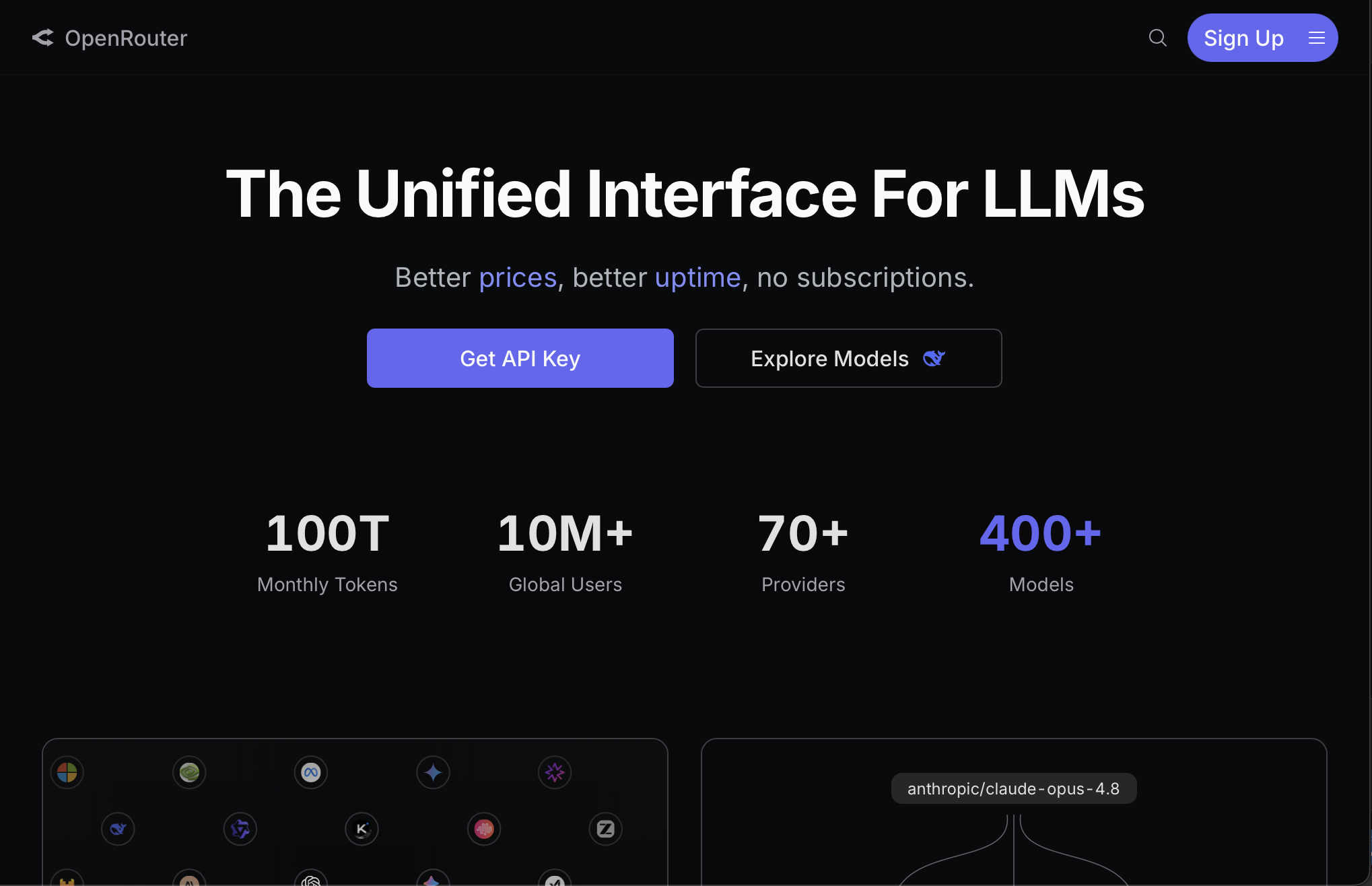
OpenRouter uses a prepaid, pay-as-you-go system. You deposit funds, and each API request deducts the per-token cost of the model you selected. A 5.5% platform fee applies on top of the model’s base pricing.
The minimum purchase is $5. That buys roughly 5 million tokens on DeepSeek V4 Flash, enough to process hundreds of pages of text or run hours of coding sessions.
You can pay with a credit or debit card, or with USDC cryptocurrency through Coinbase. OpenRouter also supports auto-recharge, which tops up your balance when it drops below a threshold you set.
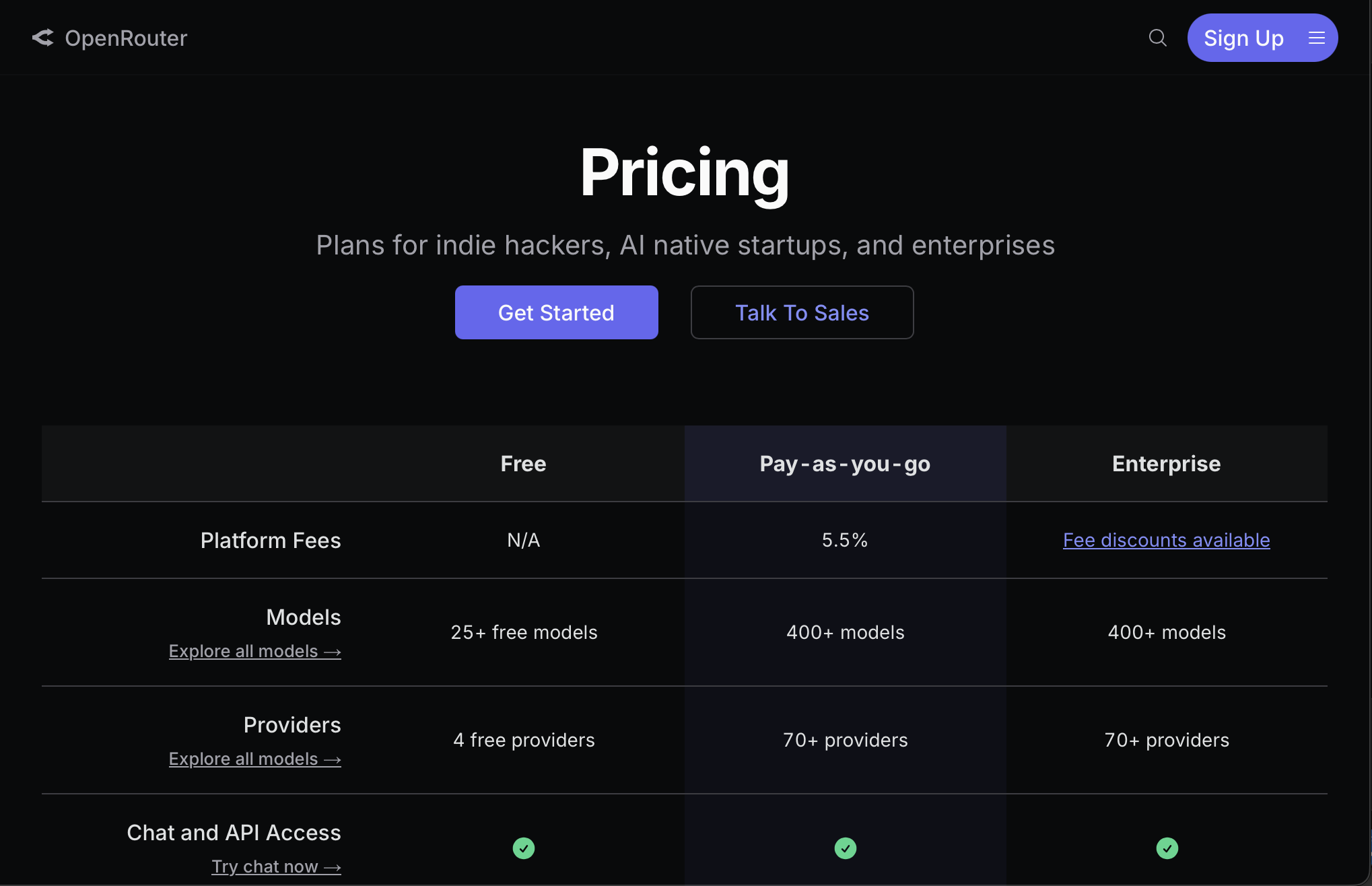
You can skip this step and use any of the 25+ free models on OpenRouter. Free models work without credits. They carry stricter rate limits and produce less consistent results than paid options.
Step 3: Generate an API key
Go to openrouter.ai/keys from your account menu. Click Create Key.
Name the key something you will recognise later, such as “Tarsk” or “Tarsk Desktop”. You can set a credit limit on each key to cap your spending.
Click Create and copy the key immediately. OpenRouter only displays the full key once. If you lose it, you will need to generate a new one.
The key looks like this: sk-or-v1-xxxxxxxxxxxxxxxxxxxxxxxxxxxxxxxx
Store it in a password manager or a secure note. Do not commit it to a public repository or share it in chat.
Step 4: Add the key to Tarsk
Open Tarsk and click the gear icon in the sidebar to open Settings. Select Providers from the settings menu.
In the left panel you will see a list of all providers. OpenRouter appears near the top because Tarsk recommends it for new users. Click OpenRouter.
In the right panel, paste your API key into the input field. Click the eye icon to verify the key looks correct. Click on a different provider or section; Tarsk saves keys automatically.
Tarsk stores your API keys in local metadata on your machine. Requests go from your machine directly to OpenRouter. The key never passes through Tarsk’s servers.
After you save the key, Tarsk displays your current OpenRouter credit balance beneath the key field. This balance updates live from the OpenRouter API.
Step 5: Enable models
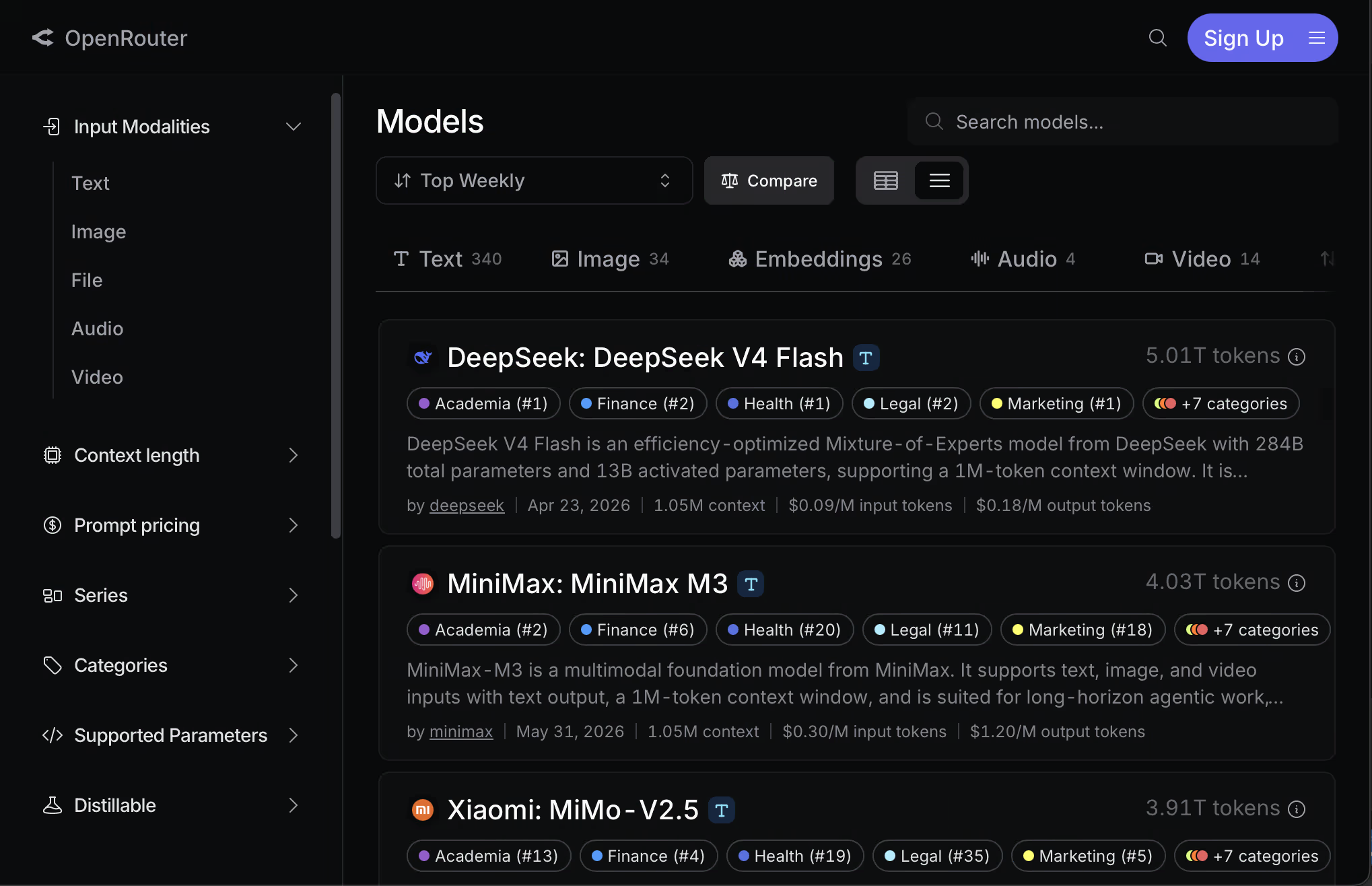
After adding your key, the right panel shows all available OpenRouter models. Each model has a checkbox:
- Checked models appear in the model selector dropdown in every thread
- Unchecked models stay hidden
By default, no models are enabled until you check them.
Filter for tool-calling models
Tarsk’s agent uses built-in tools (read, write, bash, and others) to work with your codebase. These tools require a model that supports tool calling. If you pick a model without tool support, the agent can only return text responses.
Use the Tools filter above the model list to show only models with tool-calling support. Without this, the agent cannot read files, write code, or run commands.
Sort by price
Use Price ascending to see the cheapest models first. This keeps costs down while you explore.
Free models on OpenRouter
OpenRouter labels some models with :free in the model ID. These models work without credits, though they carry rate limits. Look for model IDs ending in :free in the list.
Recommended models for beginners
If you are unsure which models to enable, start with these. They cover a range of price points and capabilities, and all support tool calling.
Best value for coding
DeepSeek V4 Pro (deepseek/deepseek-v4-pro)
- Input: $0.44 per million tokens
- Output: $0.87 per million tokens
- Context window: 1 million tokens
- Scores 80.6% on SWE-bench Verified, matching models that cost 30x more
This model handles coding, refactoring, test generation, and code review. A daily coding session of 4 hours costs roughly $10 to $15 per month.
Cheapest capable option
DeepSeek V4 Flash (deepseek/deepseek-v4-flash)
- Input: $0.07 per million tokens
- Output: $0.14 per million tokens
- Context window: 1 million tokens
Use this for lighter tasks: commit message generation, summarisation, quick questions, and initial drafts. It produces usable output at a fraction of a cent per request.
Strong all-rounder
Gemini 3.1 Pro (google/gemini-3.1-pro-preview)
- Input: $2.00 per million tokens
- Output: $12.00 per million tokens
- Context window: 1 million tokens
- Scores 80.6% on SWE-bench Verified
Gemini 3.1 Pro handles complex multi-file coding tasks, long-context analysis, and reasoning-heavy work at a lower price point than Claude or GPT frontier models.
Free option to start immediately
MiniMax M2.5 Free (minimax/minimax-m2.5:free)
- Free to use
- Context window: 196K tokens
- Trained for agentic workflows and tool use
MiniMax M2.5 handles tool calls reliably and scores 80% on SWE-bench Verified. Use it while you wait for credits to process, or as a zero-cost option for low-stakes work.
Premium option for hard problems
Claude Sonnet 4.6 (anthropic/claude-sonnet-4.6)
- Input: $3.00 per million tokens
- Output: $15.00 per million tokens
- Context window: 200K tokens
Claude Sonnet handles complex reasoning, multi-step debugging, and tasks that require careful instruction following. Switch to it when cheaper models produce incorrect or incomplete results.
A practical starting set
Enable these four models to cover most situations:
| Model | Use for | Monthly cost estimate |
|---|---|---|
| DeepSeek V4 Flash | Quick questions, drafts, summaries | $2 to $5 |
| DeepSeek V4 Pro | Primary coding model | $10 to $15 |
| Gemini 3.1 Pro | Complex tasks, long context | $5 to $20 |
| Claude Sonnet 4.6 | Hard reasoning, debugging | $5 to $15 |
Start with DeepSeek V4 Pro as your default in most threads. Switch to Gemini 3.1 Pro or Claude Sonnet when a task needs stronger reasoning or longer context. Keep DeepSeek V4 Flash for lightweight work.
Start your first thread
With models enabled, open a new thread in Tarsk. The model selector in the thread header shows your enabled models. Pick one and start typing.
Tarsk displays token usage and estimated cost in each completed message. Check this after a few exchanges to get a sense of your spending pattern.
Troubleshooting
Balance shows $0.00 after adding credits
Click on a different provider and back to OpenRouter to refresh the balance. If it still reads $0.00, verify the API key is correct. A wrong key will not produce an error, but it will not fetch real balance data either.
Models do not appear in the model selector
Make sure you checked the checkboxes next to the models you want in Settings → Providers → OpenRouter. Unchecked models are hidden from the selector even if the key is valid.
Agent cannot use tools
Check that the model you selected supports tool calling. Use the Tools filter in the model list to identify compatible models. Models without tool support can only generate text responses.
Free models hit rate limits
Free models on OpenRouter allow about 50 requests per day. If you hit this limit, switch to a paid model or wait for the limit to reset. Adding credits to your account increases your rate limits across all models.
API key not saving
Tarsk saves keys when you navigate away from the key input field. Type or paste the key, then click on a different provider or section. The key saves automatically.
What to try next
Once you have a few conversations running, you can enable more models as OpenRouter adds them. Tarsk syncs the catalog automatically, so new models appear in Settings without a software update.
You can also add keys for other providers like Anthropic, Google, or OpenAI alongside OpenRouter. Each thread has its own model selector, so you can run Claude in one thread and Gemini in another.
To control spending, set a credit limit on your OpenRouter key from the keys page. The OpenRouter dashboard shows per-request costs and usage patterns under the Activity tab.